
Drop Ship
Drop shipping is a Technique of supply chain management whereby the retailer does not hold stock in goods but sends the customer order and shipment information to either the manufacturer, another retailer, or a wholesaler, who sends the goods directly to the customer.
Drop shipping can also happen when a small store (which usually sells in small lots to the public) gets one huge order for a product.
The store can have the merchandise shipped directly to the customer from the distributor or manufacturer. Drop shipping is typical with high-cost products. No inventory is held by the store in either situation, merely serving as a go-between. In this article, we will observe how ERPNext gives a smooth drop-shipping experience.
Let’s consider a company that has to do business with computer monitors. Now, the shopkeeper has taken an order from a customer, ABC Inc., for 1000 24Inch DELL monitors.
Drop Shipping In Action:
1. Item Configuration
- Set up the item with the required details, having Maintain Stock inhibited, as this item will be stocked.
- Then, enable “Delivered By Supplier (Drop Ship).
- Assign the supplier with whom the purchase order will be posted for filling up this order.
2. Sales Cycle:
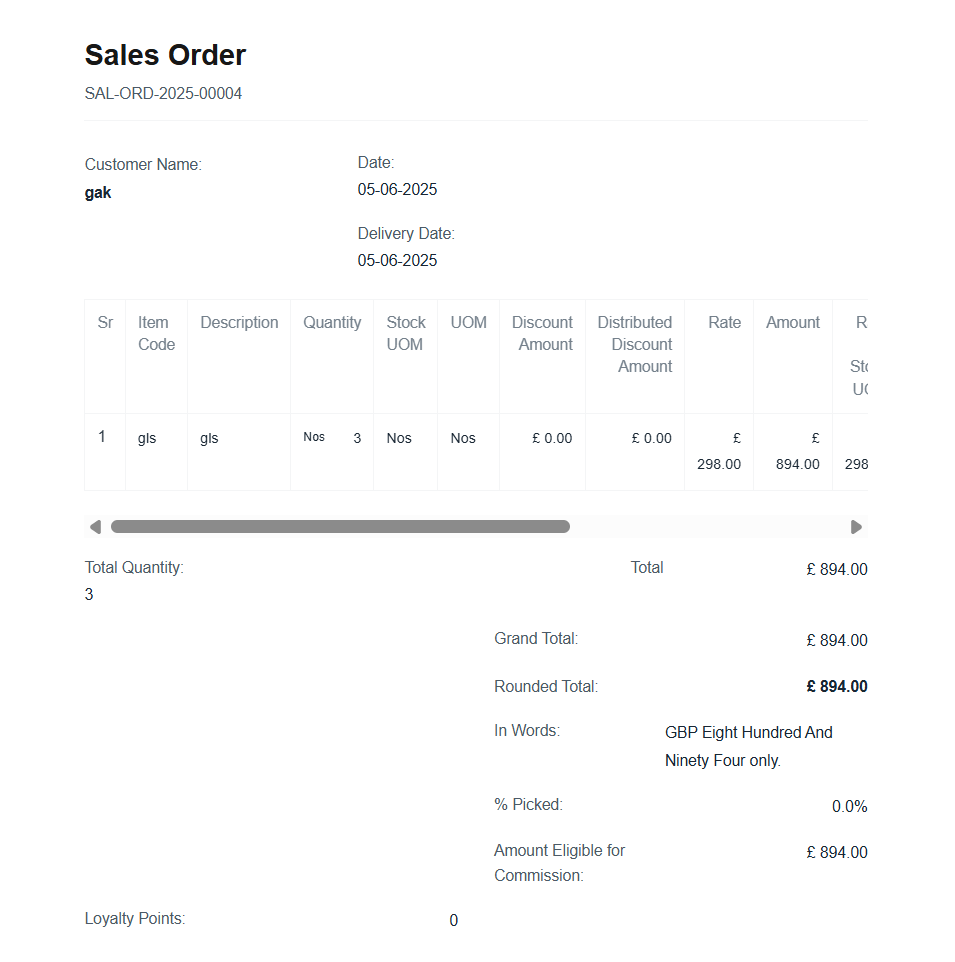
- Create Sales Order with Customer, Item, Qty, Rate, Taxes and so on.
3. Order Fulfillment:
- From the Sales Order Document itself, you can create the Purchase Order for this shipment, track delivery, and bill the customer accordingly.

