
Shipment
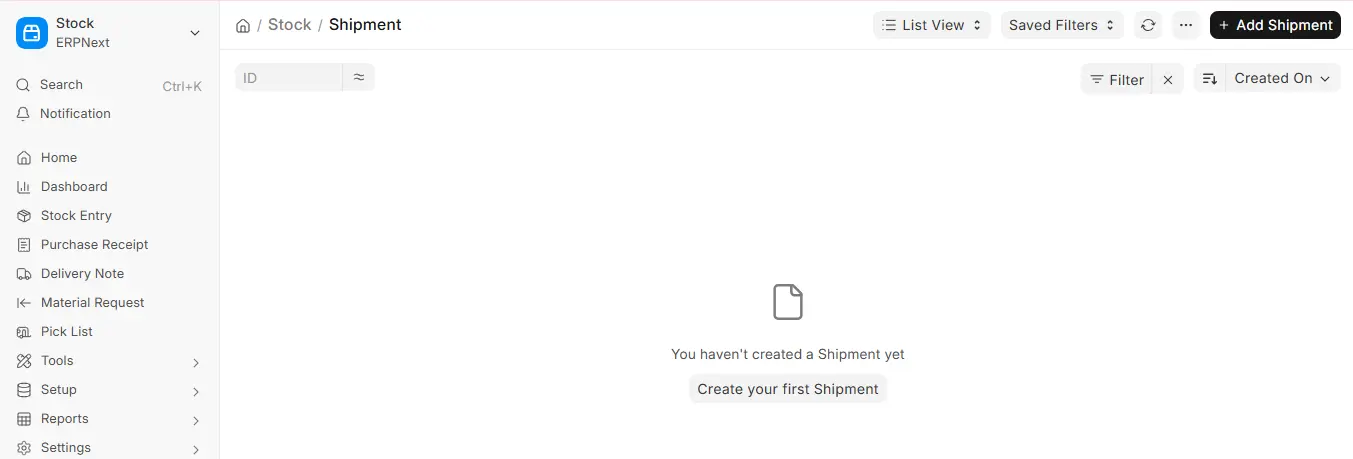
A shipment document, which can be generated independently or from a delivery note, documents the actual physical shipment of goods. Shipments in v16 provide improved tracking and integration capabilities, which were first introduced in v13.
1. Requirements Before Shipment Creation
- Verify that the company’s and the supplier’s addresses (postal code, email, and phone number) are correct.
- There is a contact for the supplier or customer.
- Choose a user with full contact information (name, email, and phone number) if you are picking up from your own business.
2. Using ERPNext to Create Shipments
2.1 Independent Manual Shipment
- Go to Shipment and select Add Shipment.
- Select a Pickup From entity (Customer, Supplier, or Company).
- Choose a Pickup Contact if “Company.”
- Full Delivery To information.
- Enter the package’s dimensions, weight, and quantity.
- Use Parcel Templates if you want to create reusable item configurations.
- Enter the contents description, pick-up date, and goods value.
- Complete the Shipment Information fields (AWB, Service, Carrier, etc.).
- After selecting Save, click Submit.– On-change triggers allow for custom scripting or notifications upon submission.
2.2 Delivery Note Shipment
- Open a delivery note that has been submitted.
- Click on Create → Shipment.
- Fill out the remaining fields and click “Submit.” The form will automatically fill in based on the Delivery Note.
3. Shipment Features
Parcel Details: Record several packages along with their weight, size, and number.
Parcel Templates: Easily repurpose standard packaging arrangements.
Detailed Shipment Information:
- Selecting a Carrier and Service
- AWB Number for monitoring
- Incoterm, Shipment ID, and Shipment Cost
Event Triggers: Triggers on Shipment Document Change events, allowing:
- Notifications
- Custom Server Scripts
Frappe Marketplace apps for carrier integrations:
For instance, ClickPost Integration for tracking, carrier allocation, proof of delivery (POD) capture, and automatic AWB registration.
ERPNext Shipping: retrieve shipping costs, print labels, and provide real-time tracking (LetMeShip, SendCloud).
3.1 Automation in Shipments
ERPNext introduces enhanced automation capabilities within the Shipment module through integration with third-party shipping providers. This helps reduce manual data entry and streamlines Logistics operations.

