
Personal Data Deletion
As a GDPR compliance feature, ERPNext v15 features Personal Data Deletion.
The personal data deletion feature allows one to delete the account and anonymize all personally identifiable data created using ERPNext. Personally identifiable information shall be randomized to maintain privacy. This encompasses information from your user account, like: username, full name, birth date, phone numbers, mobile numbers, location, interests, bio, email signature, Email, Contact, Address, Communication, etc. This also Encompasses information from Leads and Opportunities with saved details you have stored, like phone numbers, mobile numbers, fax, website, and name.
But this does not encompass information that must by law be retained by a business.
1. How to request account deletion
- To start deleting a user account and personally identifiable information, go to:
[host-name]/request-for-account-deletion
Example: example.erpnext.com/request-for-account-deletion
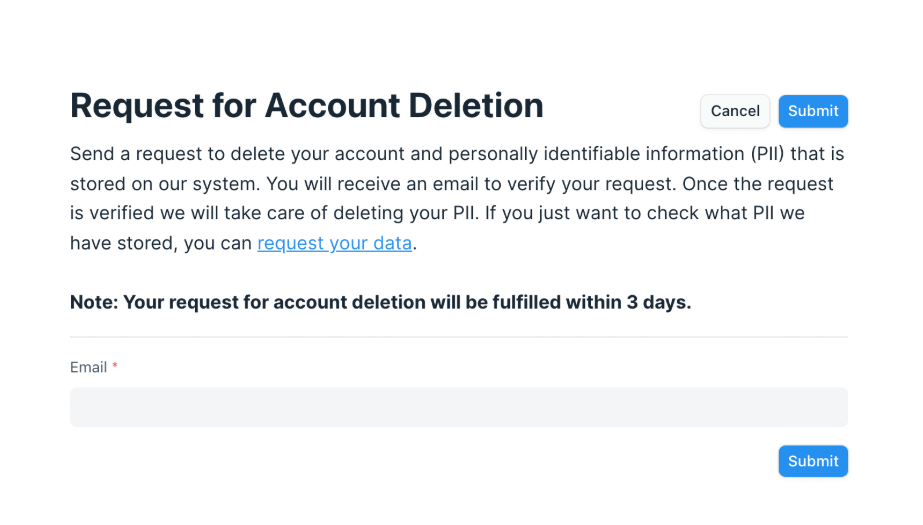
2. Provide the email address linked to your ERPNext account.
- On submission of your request, you’ll get a success message.

- An email will be sent to your registered email address with a verification link to complete data deletion.
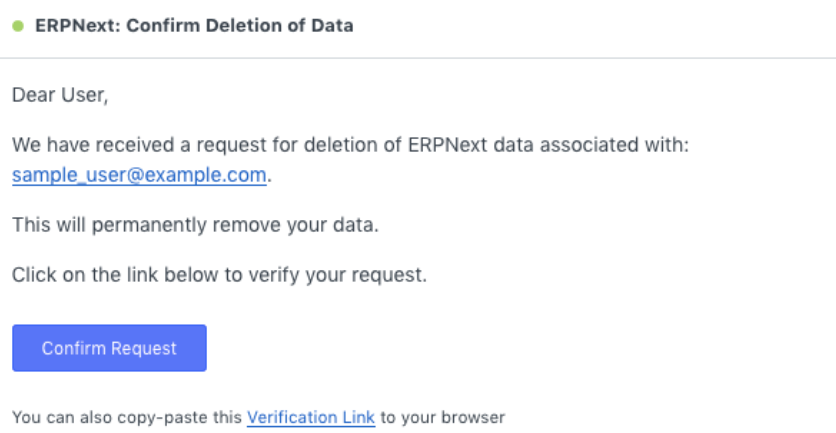
- Once the user clicks on the verification link, there will be a confirmation message informing them of successful verification.
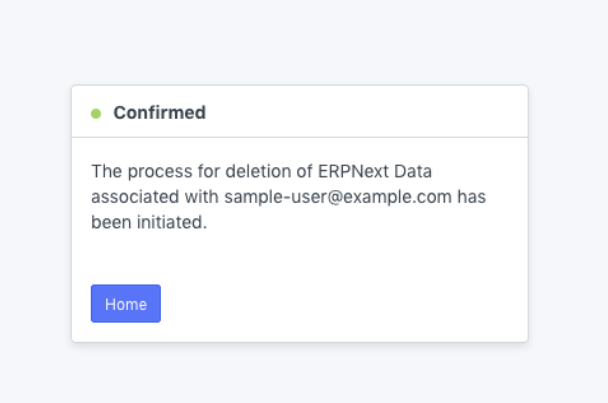
2. How deleting user’s personal data works
A request by the user to delete his/her personal information is documented under doctype “Personal Data Deletion Request.”
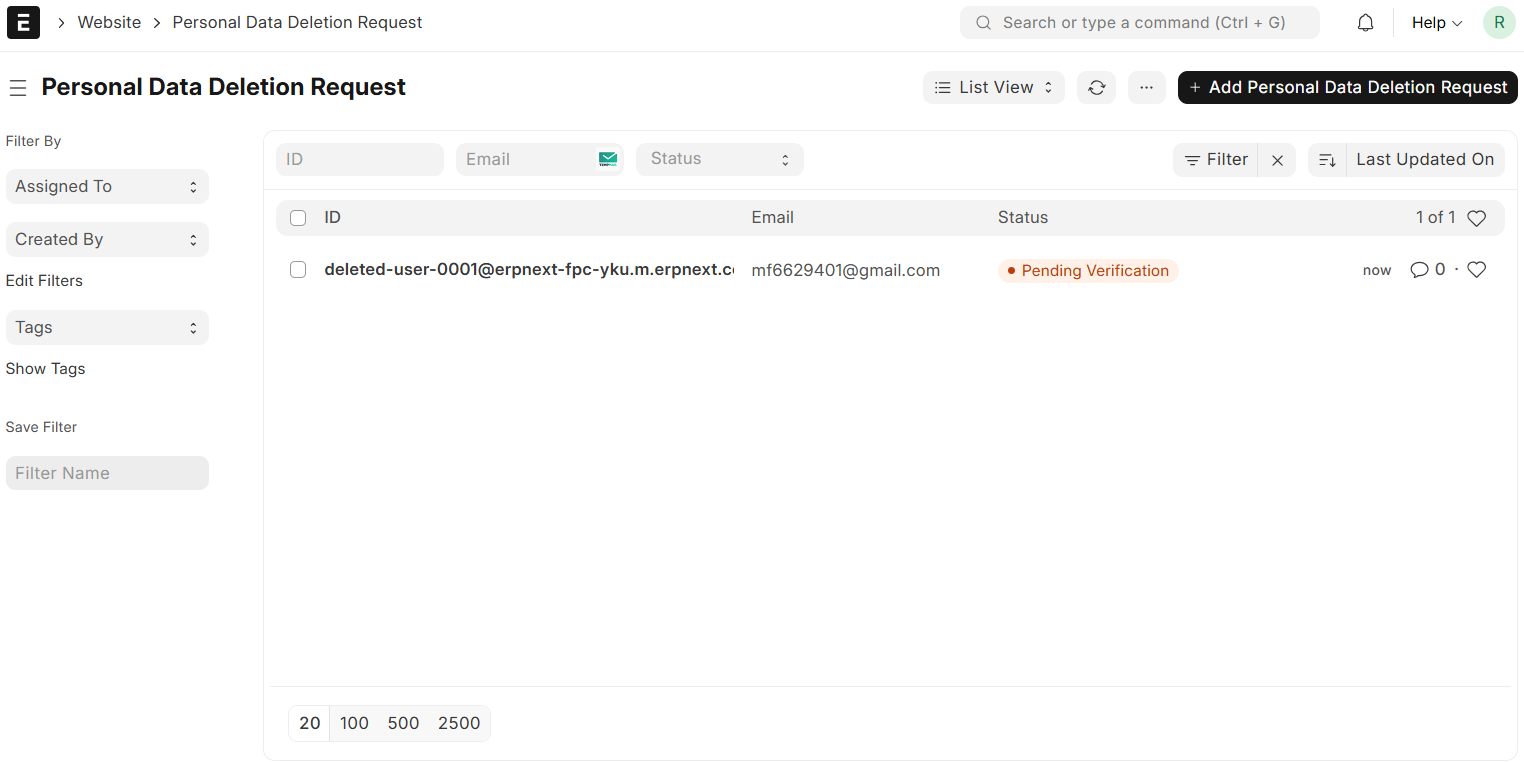
There are three steps followed by ERPNext to process this procedure:
2.1 Pending Verification
- This status indicates that the user employed the web form to initiate a data deletion request.
- But the request has not been confirmed as yet.
- The request is now stored by the system but not yet deleted.
- These requests can be viewed in the search box under Personal Data Deletion Request.

2.2 Pending Approval
- The status will become Pending Approval when the user accepts the request through the confirmation email.
- At this point, the “Delete Data” option will be available in the System Manager.
- Before taking effect, the erasure must still be authorized.

2.3 Deleted
- The PII of the user is deleted when the System Manager presses the “Delete Data” button.
- Rather than being fully erased, the information is anonymised whereby company records are retained but cannot be traced back to an individual.
3. Defining SLAs for Delete Personal Data Requests
Establishing a Service Level Agreement (SLA) for processing deletion requests can be done using ERPNext. This informs the users how long it will take to process their request.
To configure:
- Go to the Settings page of the website.
- Scroll down to access the Account Deletion Settings section.
- Specify the number of days for processing the requests in the Account Deletion SLA (Days) field.
- Each user’s My Account page will include a delete link if you activate “Show Account Deletion link in My Account page.”


