Personal Data Download
As one of the features of GDPR compliance, ERPNext possesses the Personal Data Download feature.
The personal data download utility allows you to automatically download all the personal data you have created using ERPNext. This includes personally identifiable information from your user account, like: username, full name, birth date, phone numbers, mobile numbers, location, interests, bio, email signature, Email, Contact, Address, Communication, etc. It also downloads data from Leads and Opportunities, with the details you saved, like phone numbers, mobile numbers, fax, website, and name.
1. How to ask for user data download
- To start downloading data, the user needs to be logged in and have access:
[host-name]/request-data
(e.g., erpnext.com/request-data) in the URL address field.
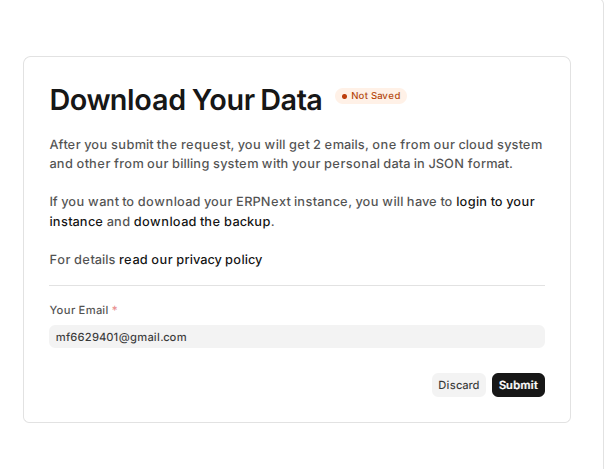
- Upon submitting your request, you will get a success message.
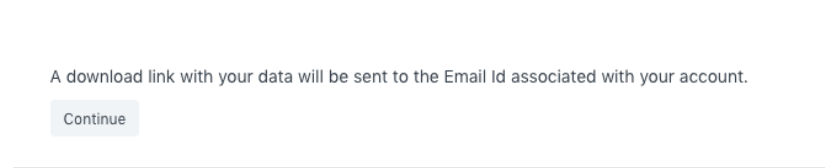
- It will send an email with a data download link to the email id connected to the user account.
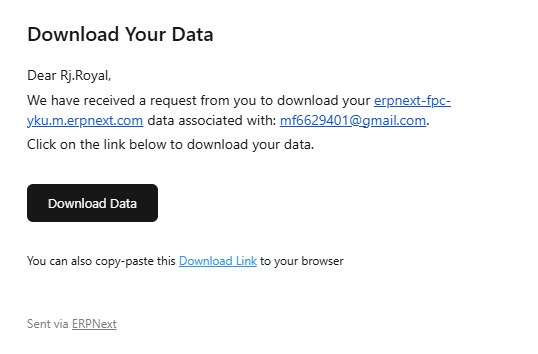
The file that can be downloaded will be in JSON format.
2. Personal Data Download Request DocType
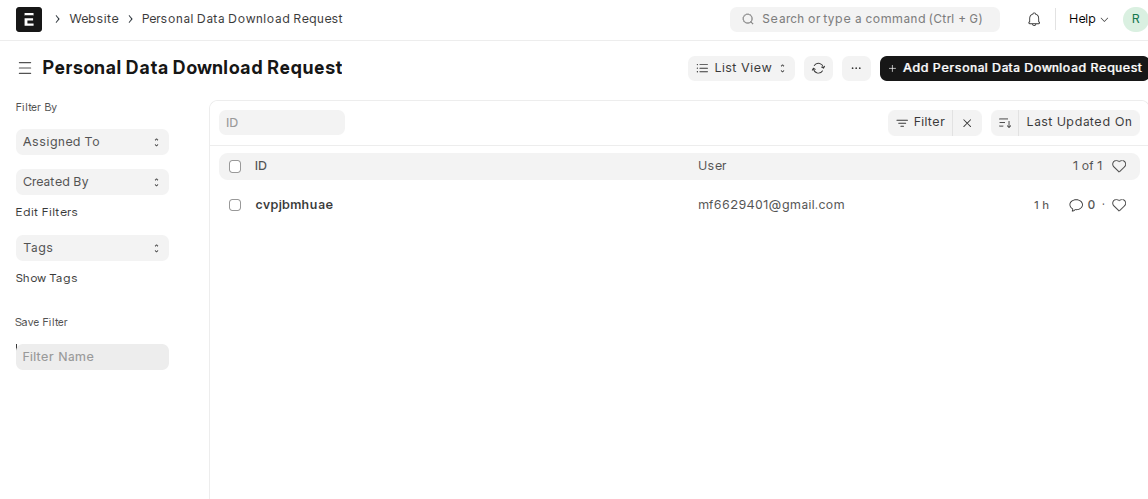
Every request is also logged in the DocType “Personal Data Download Request”. The file link being sent to the user in an email is also linked to this document.
To access it: search for Personal Data Download Request from the search bar.