
Bulk Renaming of Records
Bulk Renaming of Records allows you to rename many records simultaneously.
1. Renaming One Document
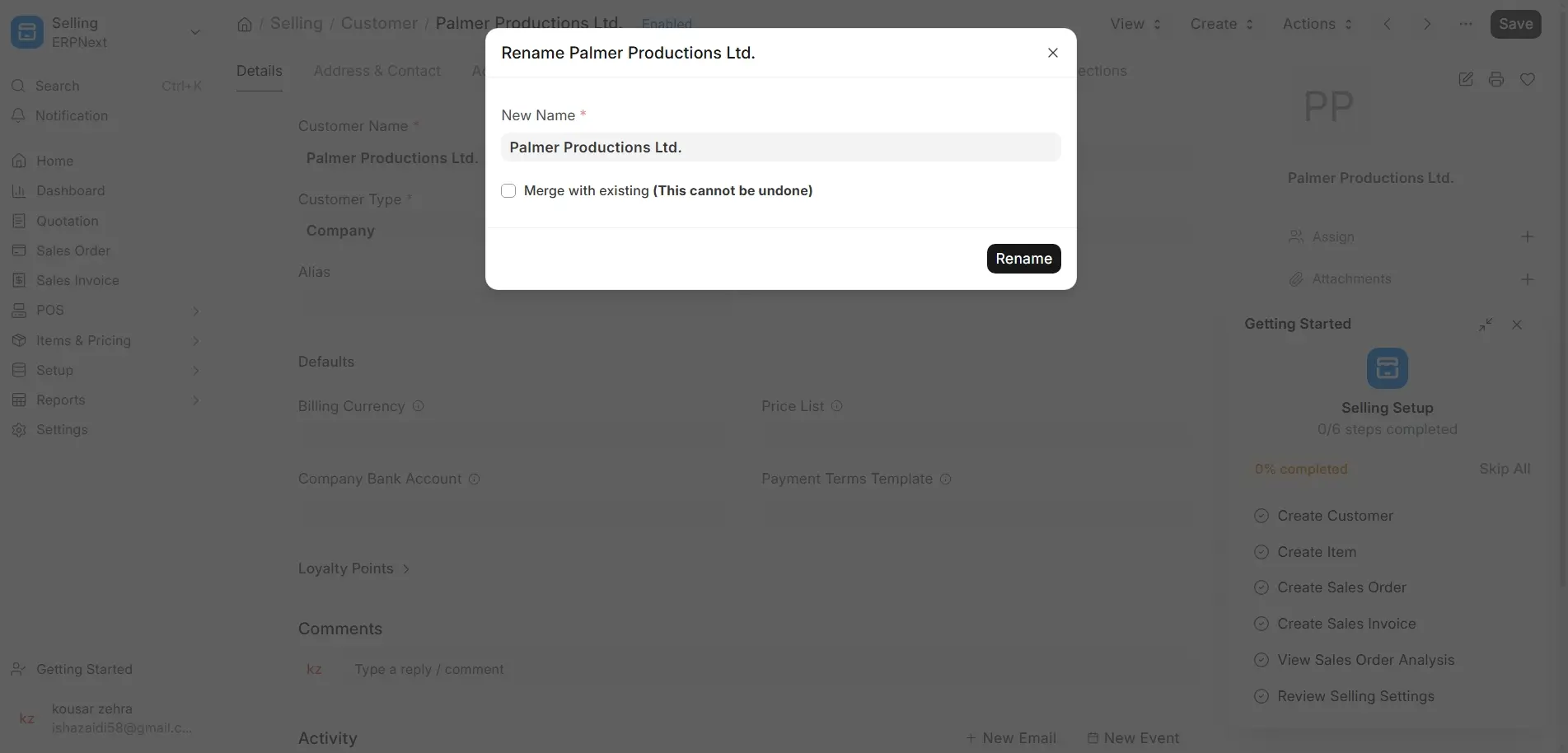
- If renaming is enabled for the Document type, open the document → Menu → Rename.
1.1 Renaming Multiple Records
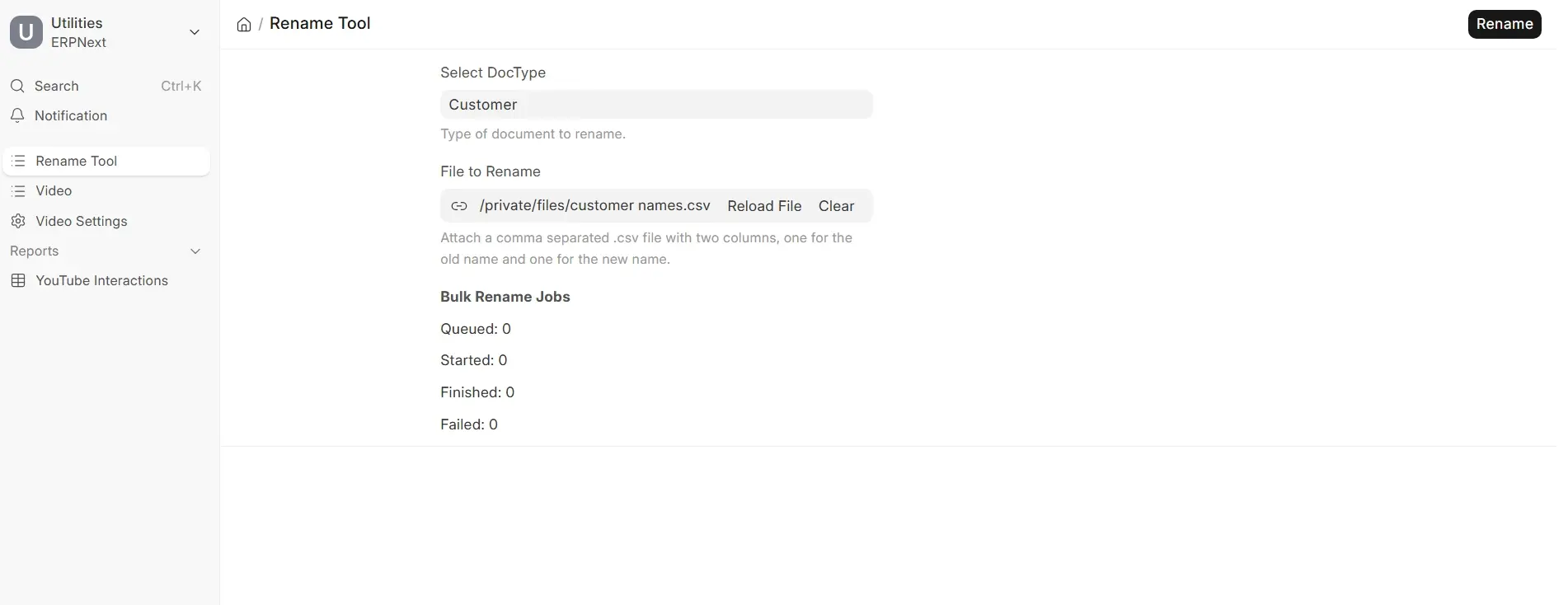
Apply the Rename Tool:
Type Rename Tool in the Search bar
Steps:
- Prepare a .csv file:
- Column 1: Old record names
- Column 2: New record names
- Upload the file within the Rename Tool.
- Click Rename to update in bulk.
2. Merging Records through Rename
You can combine two records by renaming one into the other.
Example: You have Customer: Steve and Customer: Steve1:
- Open either record → Menu → Rename
- Verify Merge with existing
- Confirm the rename.
All associated documents will be merged into the combined record.

