
Session Defaults
Session defaults permit users to establish default values in certain fields at the time of their sessions. This is handy in a multi-company environment or within recurrent transactions, as it saves repeated input of duplicate data such as Country, Currency, or company.
- For instance, if your business has operations in various countries, you can define default values for Countries, Currency, and Company. These Values will be Filled Automatically in the corresponding fields while creating new Transactions, which will save time and eliminate errors.
1. Creating Session Defaults
1.1 Configure the Session Default Settings
How to go to Session Default Settings:
- Type Session Default Settings in the Search bar and open it.
- Add a New Row
- Choose the Doctype (for example, Sales Order, Purchase Invoice) you wish to default.
- Save.
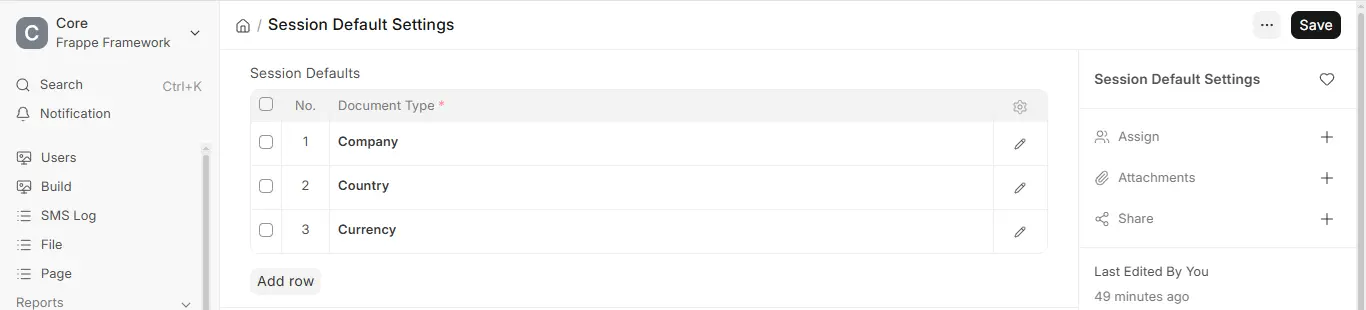
1.2 Set Up the Session Default Values
- Click the app menu (the logo at the top of the sidebar).
- Choose Session Defaults
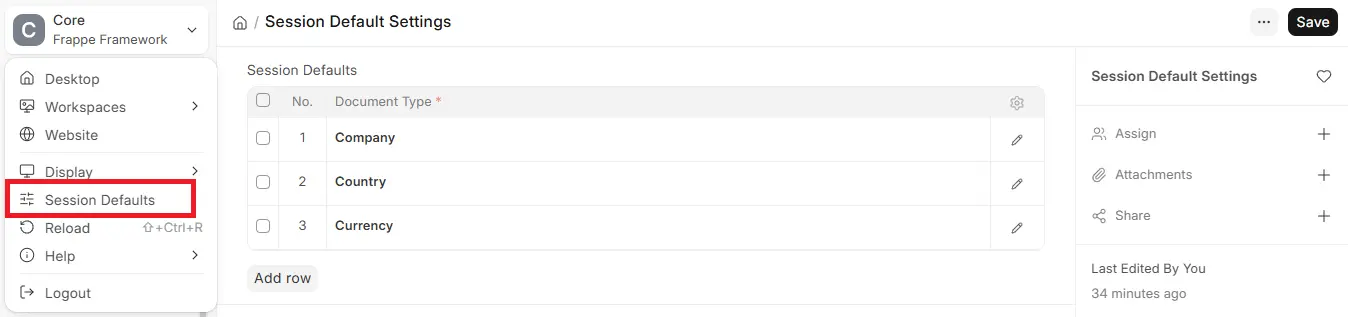
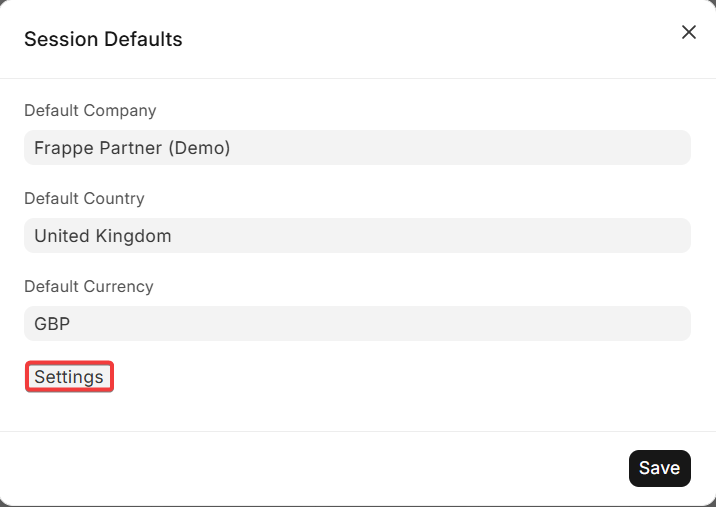
- A dialog will open where you can establish default values for fields such as Company, Country, and Currency.
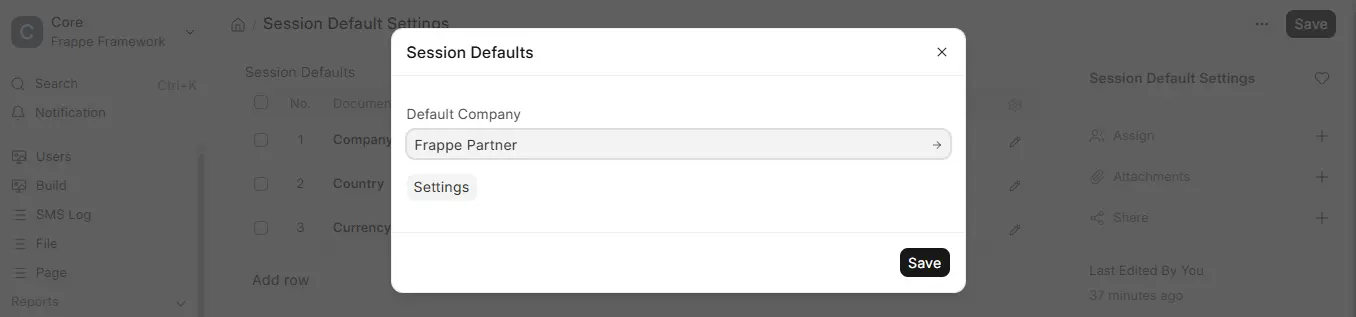
- Save the defaults.
How session defaults works
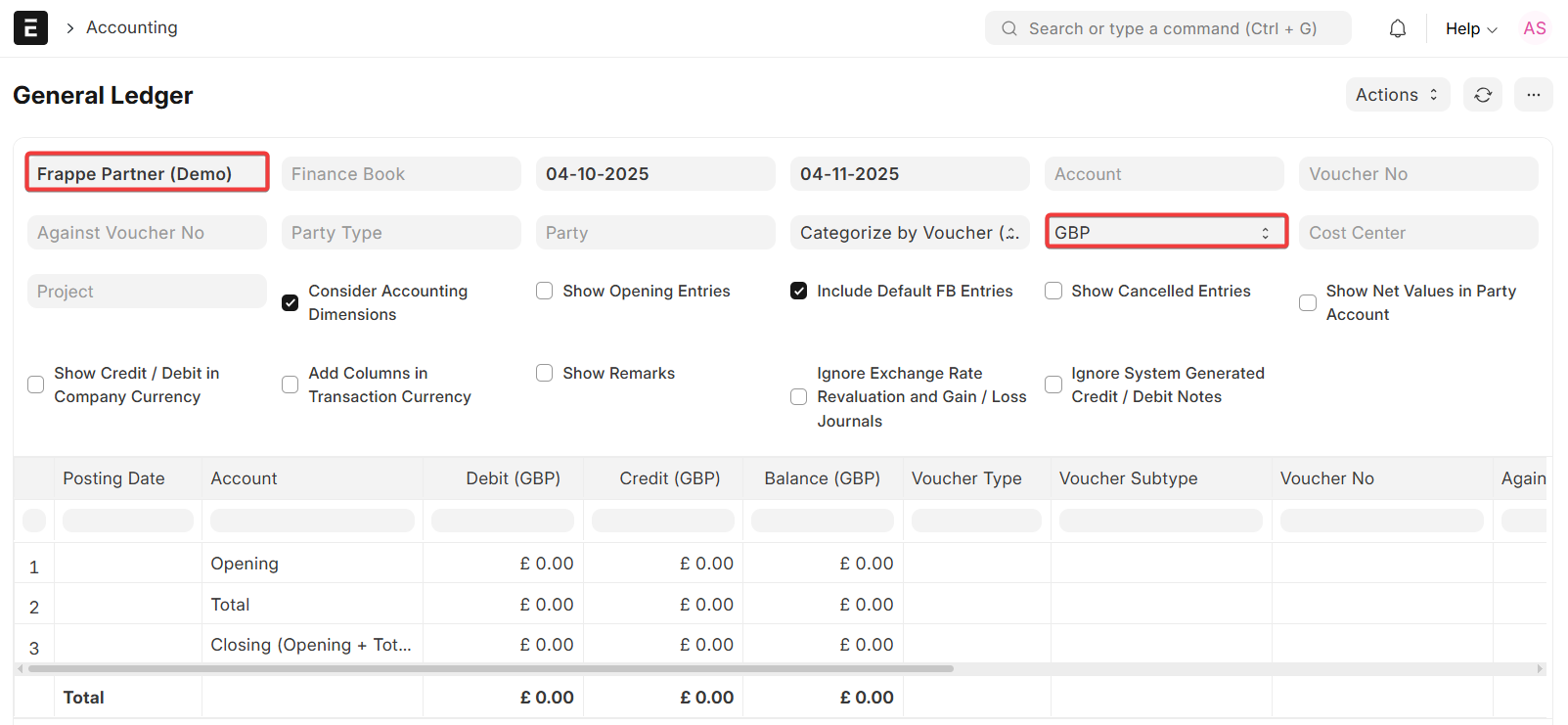
After they are set, the defaults value will be automatically filled in the corresponding fields throughout the system. For instance. – When a new sales order is being created, the company and currency fields will be filled with Default data.
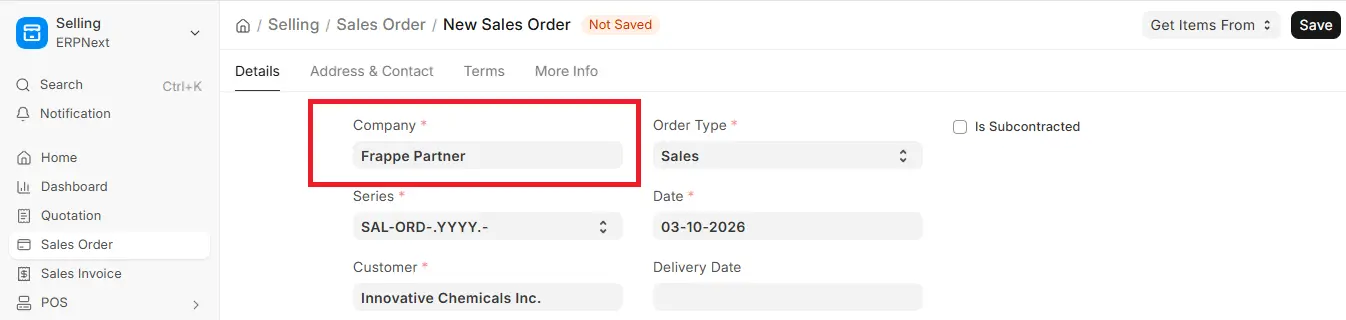

When reports are generated, the default company and currency will be used unless overridden manually.
2. Session defaults features
2.1 Defaults on Logout
Session Default’s belongs to the user current session. Once a user logout, the user defaults are reset to prevent carryover across other users or sessions.
The settings button is visible only to System Manager users or users with permission for viewing Session Default Settings. It enables users to define which Doctypes must have Session Defaults.
2.3 Multi Company and Multi Currency Support.
Session defaults are especially helpful for organizations with more than one company or operating in more than one country.

