
Installation Note
An Installation Note in ERPNext v16 keeps track of the installation or setup of a product or item at the customer’s location after it has been delivered. This paper is highly useful for companies that sell goods that need to be installed, commissioned, or set up on-site, such as machinery, appliances, IT hardware, or equipment with serial numbers.
An Installation Note is a clear record of when, where, and who installed something, as well as any remarks or information regarding the installation itself. It also helps with handling servicing, warranty claims, and support after the sale.
For example, when you sell an air conditioner, a professional normally arrives with the delivery to install it at the customer’s residence. After the installation is done, either the technician or the back-office user can generate an Installation Note. This note will provide the date of the installation, the things that were installed, their serial numbers, and any notes (such as extra accessories utilised or the state of the site).
To access the Installation Notes list, click to:
Home > Stock > Serial No and Batch > Installation Note
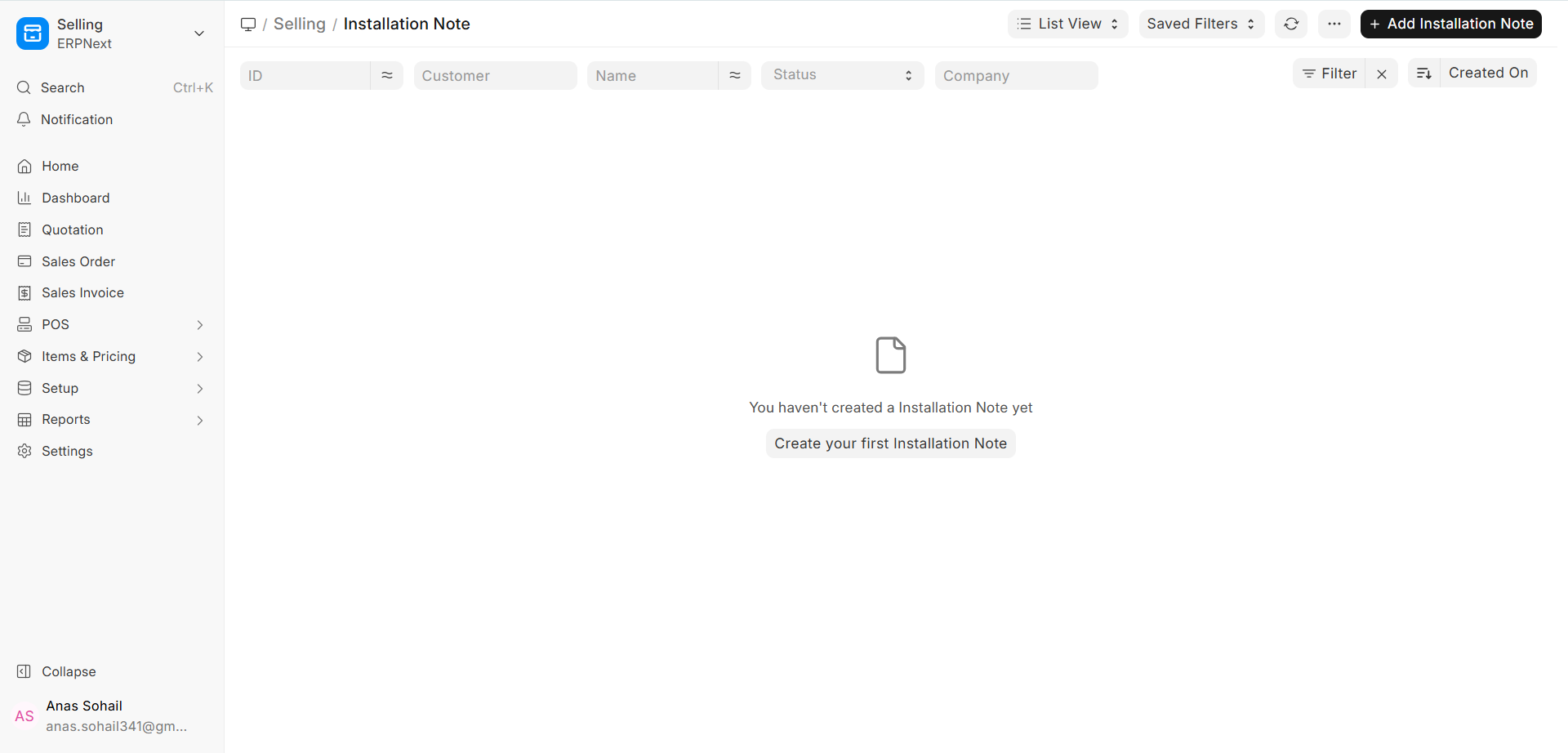
1. How to write an Installation Note
In ERPNext v16, a Delivery Note is commonly used to make an Installation Note. This guarantees that every installation is connected to an actual delivery. This link makes sure that the data is the same for stock movement and activities that happen after delivery.
You can alternatively write an Installation Note by hand and then fill it out by choosing the From Delivery Note option.
How to do an installation Please note:
1. In the Installation Note list, click on New.
2. To choose the Delivery Note, click the From Delivery Note button.
3. The Delivery Note automatically obtains the following information whenever you choose it:
- Customer
- Things
- How Much Was Delivered
- The serial numbers of the items (if they have them)
4. The installation date and time are set to the time of creation by default, but you can modify them if you need to.
5. Check the information you acquired and make any adjustments that are necessary.
6. You can make comments or notes about the installation if you want to.
7. Save the Installation Note and then transmit it.
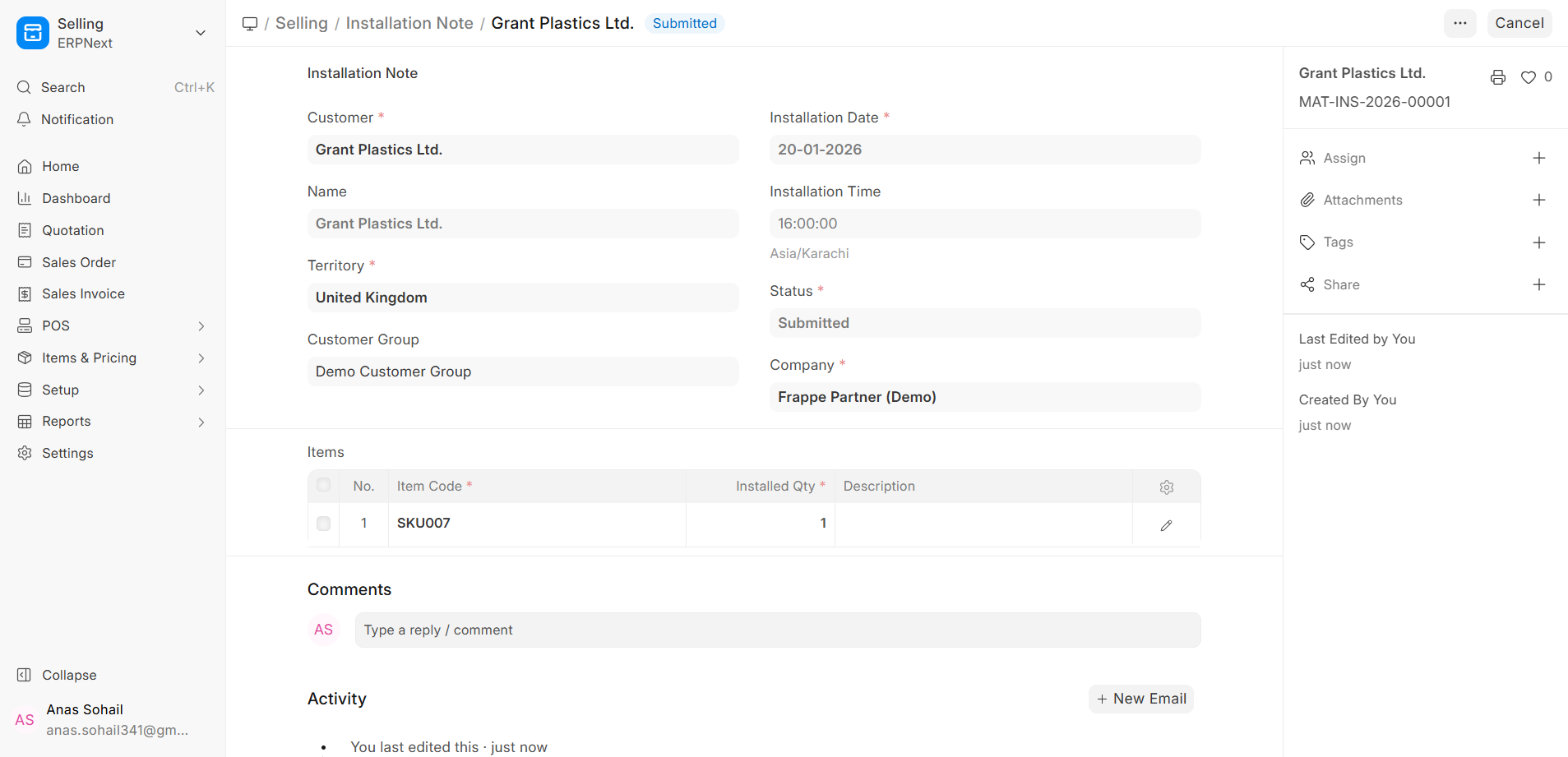
Once you send in the Installation Note, it will be kept as a permanent record of the installation activity.
Once you send it in:
1. In the Remarks box, you can write more about the installation procedure, how ready the location is, client feedback, or accessories utilized.
2. You may see or update the Serial Numbers for each unit in the Items table to show exactly which units were installed if the item has a serial number.
3. You can read the Installation Note again for:
- Keeping track of warranties
- Visits for service and maintenance
- Questions concerning service to customers
- Following the rules and audits
Things You Should Know (ERPNext v16):
- Installation Notes don’t modify the amount of stock; the amount of stock is already decreased when the Delivery Note is received.
- Installation Notes are papers that tell you what to do and help you keep track of things after delivery.
- You can give certain users, such service managers or technicians, authority to make or transmit Installation Notes.
- Installation Notes are typically used with procedures for serial numbers, warranties, and maintenance.

