
Loyalty points redemption in POS
Automated generation of invoices occurs in the ERPNext POS module. To fully implement POS support for redeeming loyalty points, you can proceed as follows:
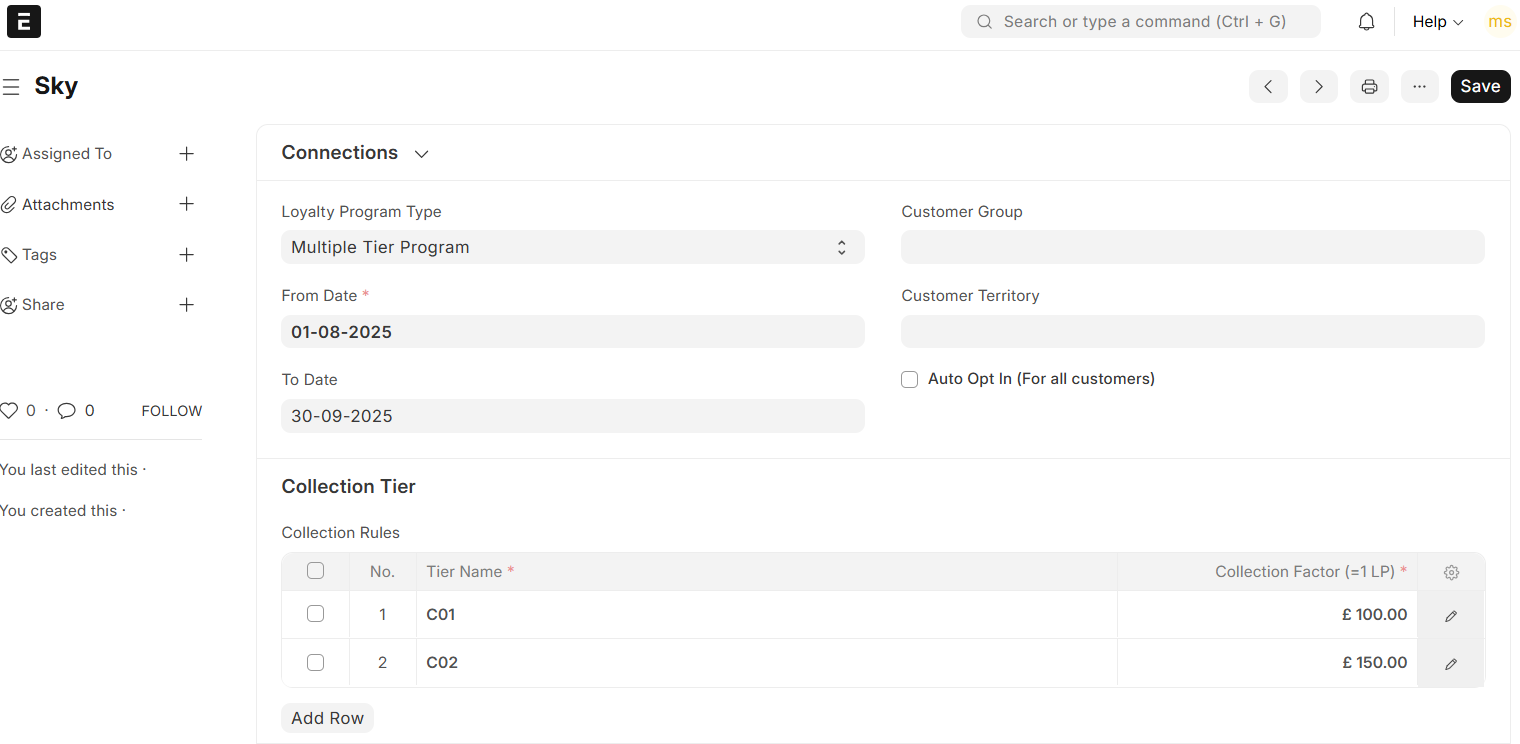
Create a Loyalty Program: Navigate to the Loyalty Program doctype to create your reward system. You can establish either a single-tier or multi-tier program as per predefined slabs of purchase. This enables customers to earn and redeem points based on their ERPNext spend.
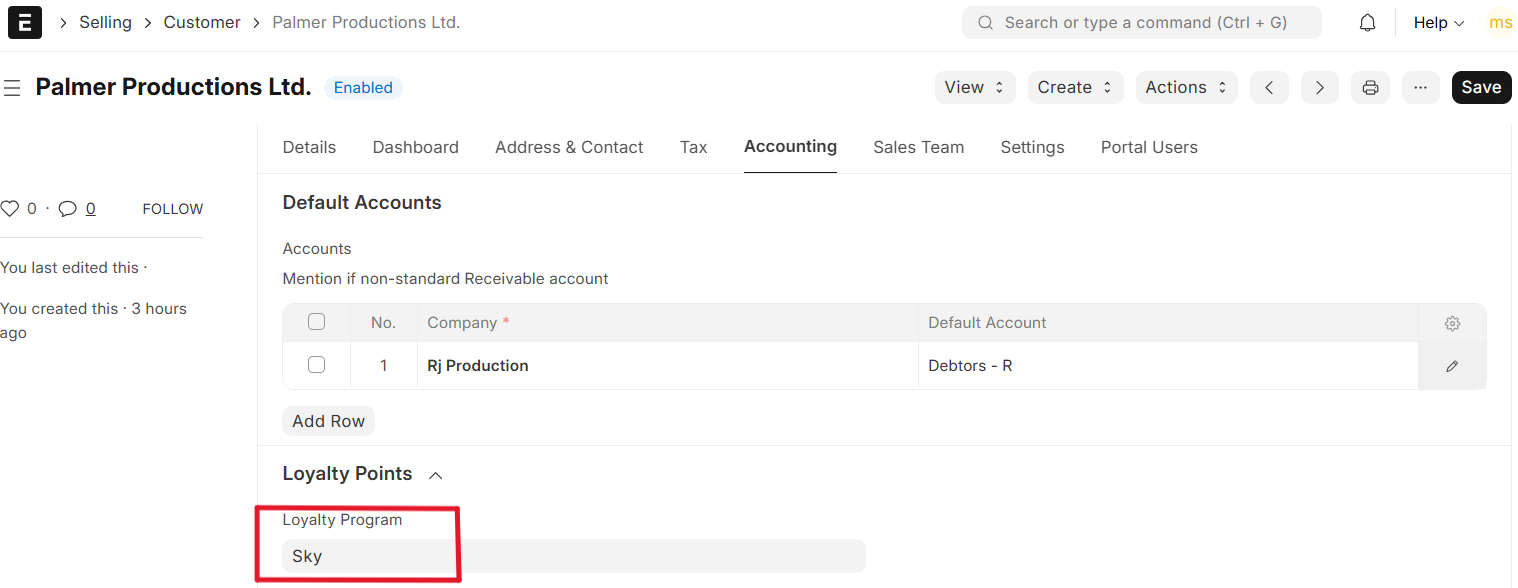
Once the loyalty program is set, you can create a Customer and link the Loyalty program to it.
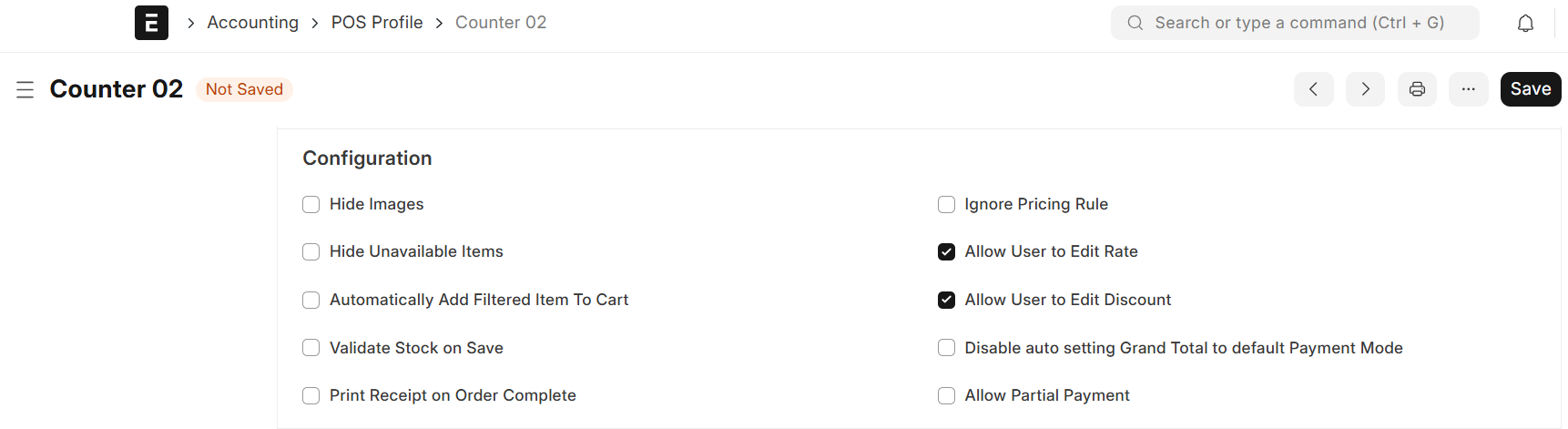
Once this Customer is linked to the Loyalty program, you can now setup your POS profile if it is not set yet:
Now, you can go to POS Transaction: Select Customer Add items Pay Check the field –> Redeem Loyalty Points

