Managing Batch wise Inventory
Items with the same properties (e.g., manufacturing date, expiry date, packaging) can be grouped into Managing Batch wise Inventory. For example, pharmaceutical products are typically managed using batches so that their expiry, traceability, and stock tracking remain accurate.
1. Enable tracking in a batch of items.
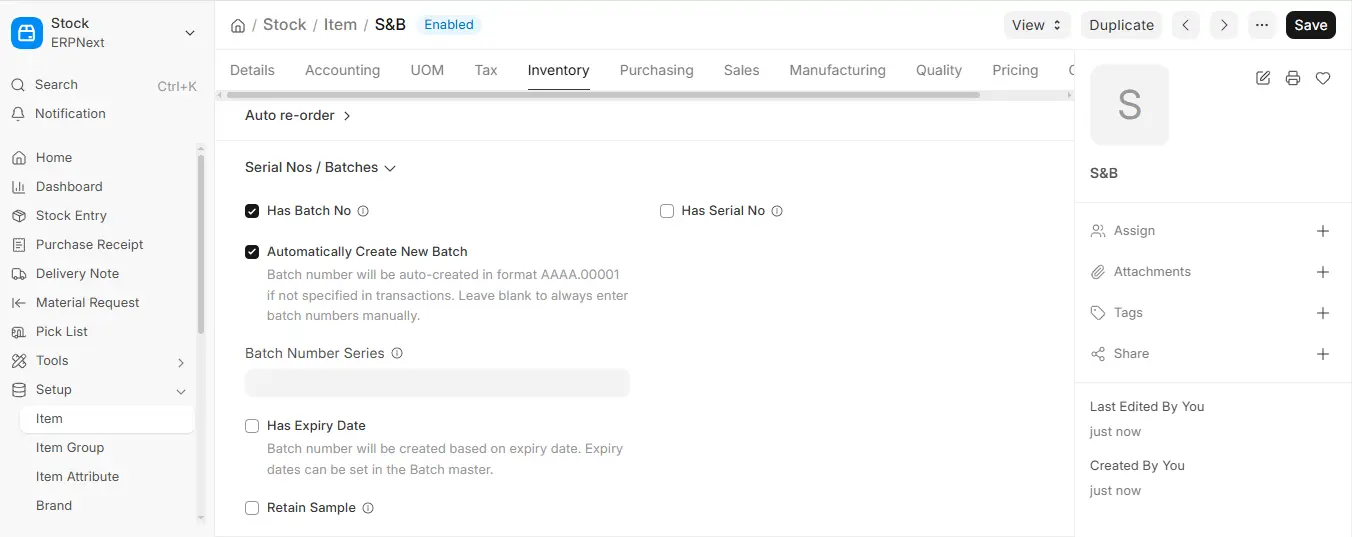
To input an item in a batch, enter the “Has Batch No” checkbox under the Item Master.
Stock > Item > Has Batch No Check
When this is switched on:
- Every stock transaction must be recorded in a batch number.
- One can map a batch with manufacturing dates, expiration dates and batch attributes.
2. Create a New Batch
You can create a new Batch manually by going to:
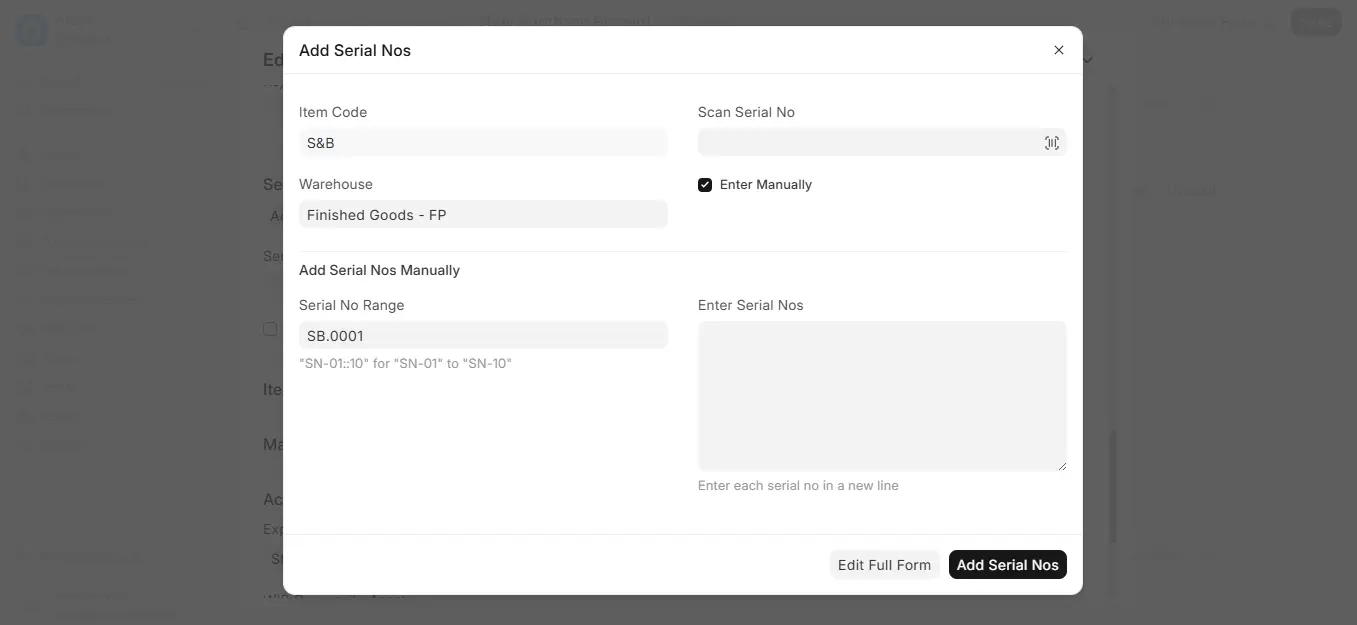
Stock > Batch > New > Batch and Serial No
However, in ERPNext, batches can also be created automatically if:
- The item has the option of the checkbox: Automatically Create New Batch.
- The item master determines a series of batch numbers.
This makes it so that a batch is created automatically when inward entries are performed such as Purchase Receipt or Stock Entry (Material Receipt).
3. Batch in Purchase Receipt
In making out a receipt of purchase you should either:
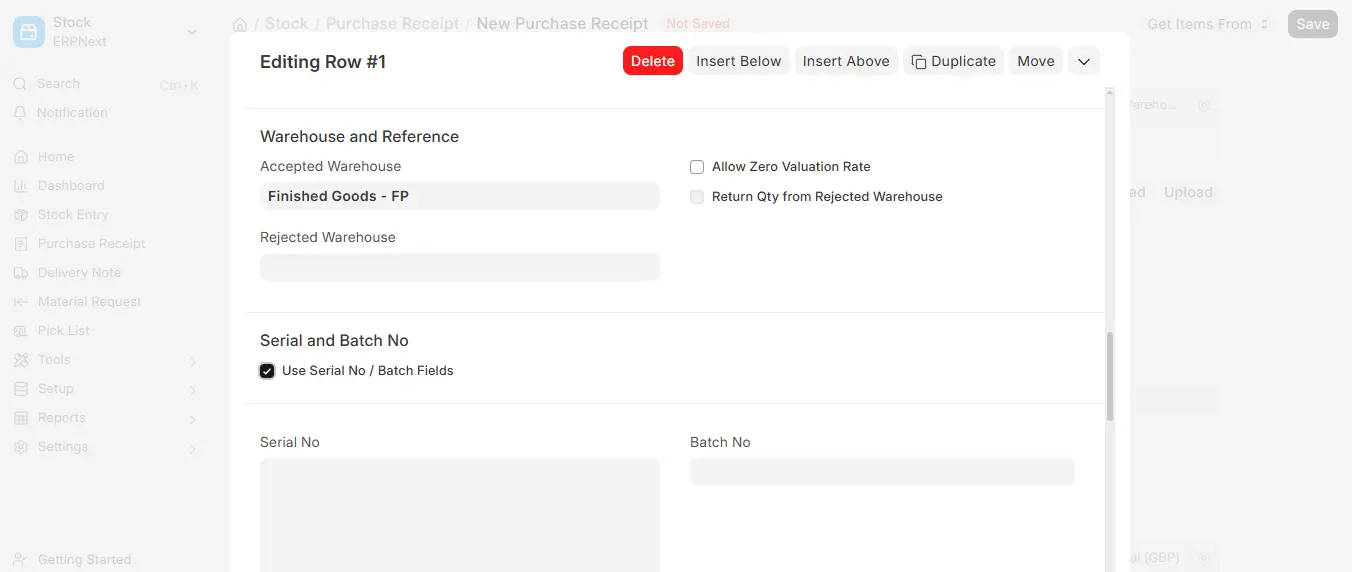
- In the dropdown which says Batch No, choose an existing batch or
- Allow a batch to be created automatically when there are settings to auto-create a batch when the Item Master is setup.
Note that every batch is individual property of one item. Only one item can be of the same batch.
4. Batch in Delivery Note
In filling in a Delivery Note you have to choose the Batch No. in the Items table.
In case the item is a part of Product Bundle, it is also possible to enter the batch in the Packing List field.
ERPNext also offers batch selection on either basis of LIFO, FIFO or expiry through Serial and, Batch Selector.
5. Batch-wise Stock Balance Report
In order to see the stock balance per lot, visit:
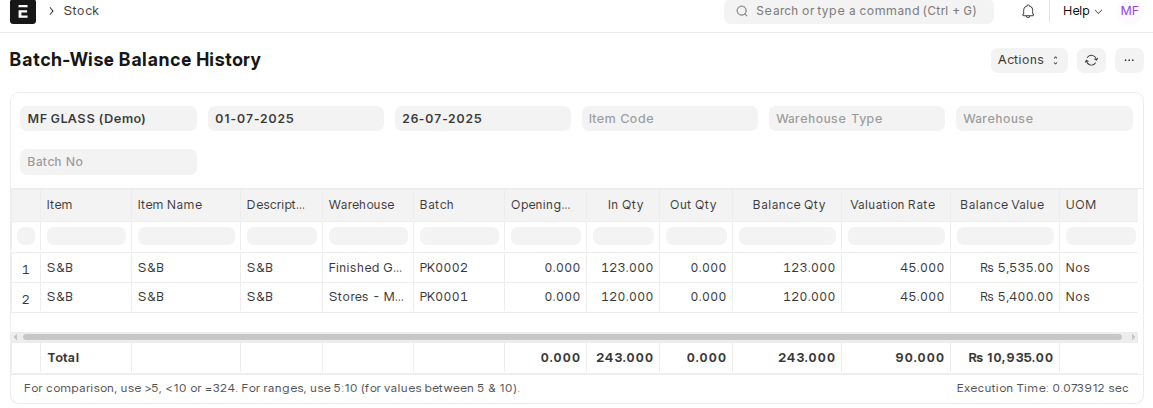
Stock >Standard Reports > Batch wise Balance History
This report gives Visibility on:
- Item-wise and warehouse-wise batch availability
- Expiry status
- Quantity available per batch