Sales Partner
Sales Partners are people or companies that assist you in getting business.
In ERPNext, sales partners can be assigned different roles like channel partner, distributor, dealer, agent, retailer, implementation partner, or reseller, etc.
You may assign a commission percentage to every sales partner. If the sales partner is associated with a sales order, sales invoice, or delivery note, their commission gets automatically calculated as a percentage of the net total amount.
To access Sales Partner, go to:
1. How to Create a Sales Partner
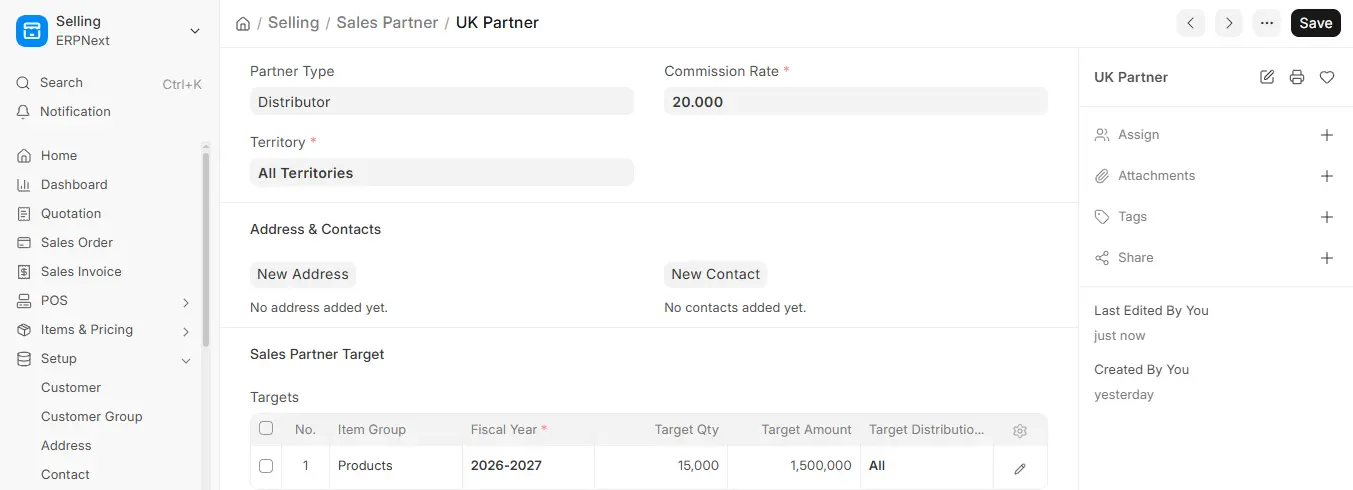
- Go to the Sales Partner list, click on New.
- Enter the Sales Partner name and the Commission Rate.
- You can also select the type of Sales Partner you’re creating to identify if they’re a Reseller or Retailer, and so on.
- Territory Assign a territory (e.g., UK, Pakistan).
- Save.
2. Features
2.1 Address and Contact
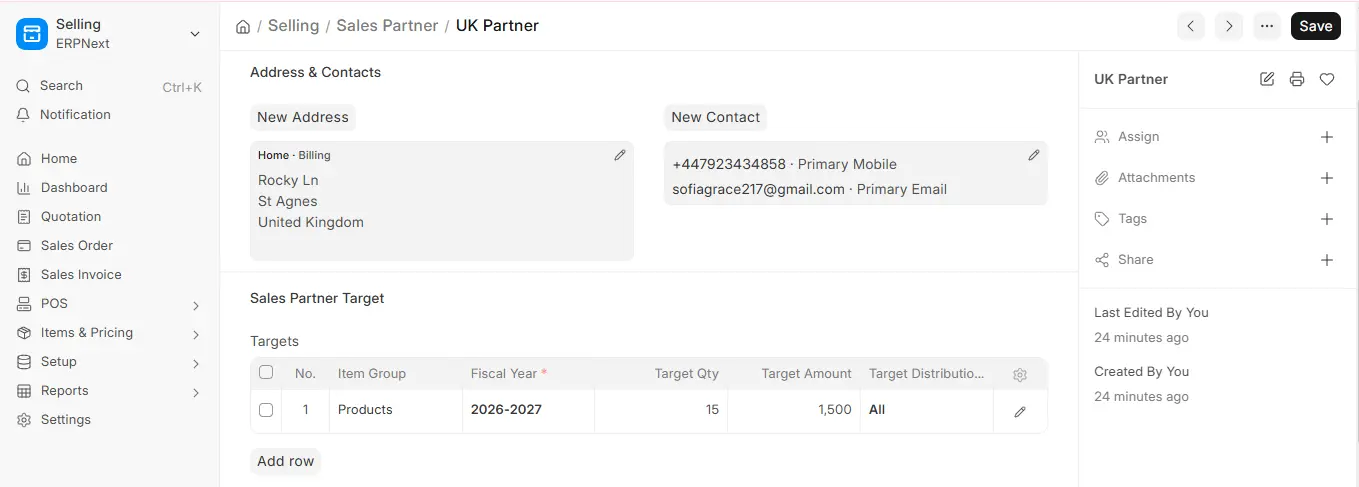
You are able to add and monitor a sales partner’s addresses and contact information. These may be added in the Address & Contacts field within a Sales Partner:
2.2 Sales Partner Target
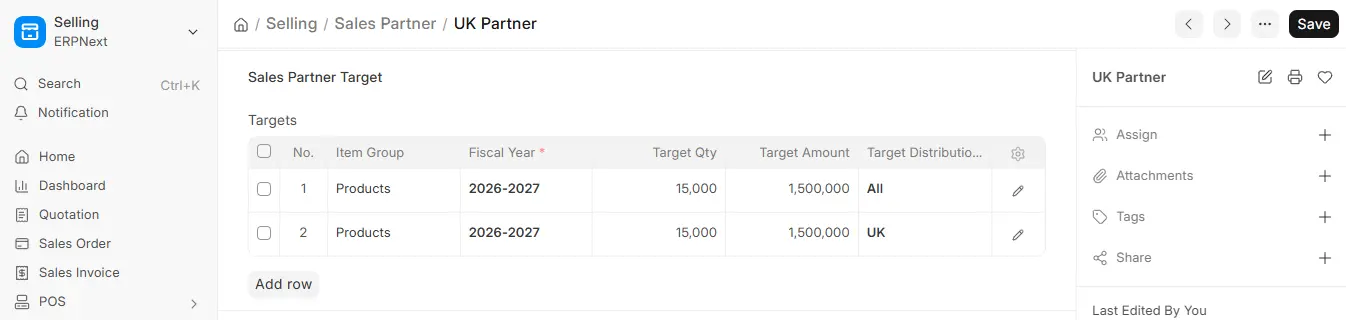
You can define sales goals for item groups and territories on quantity and amount. Targets may be distributed territory-wise or month-wise. For more information, see Related Topics.
2.3 Including Sales Partners in Your Website
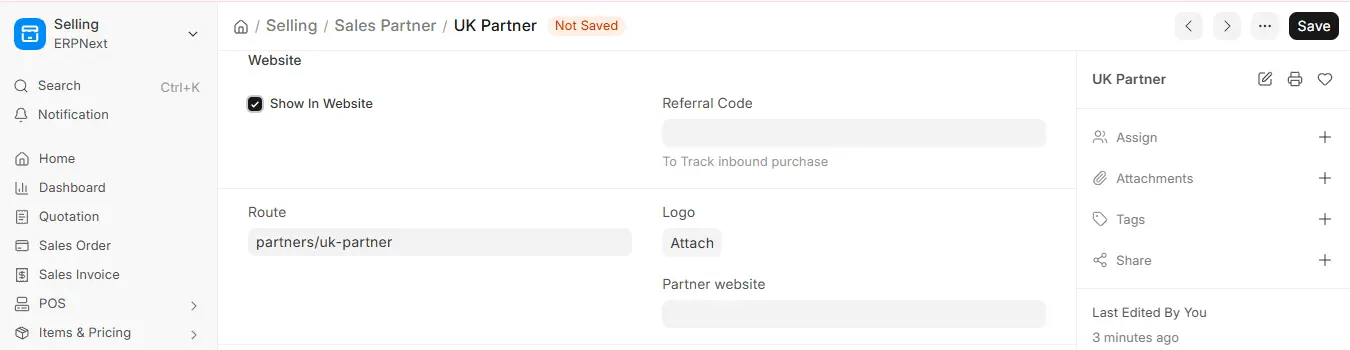
To have your partner’s name on your website, check the “Show in Website” box. If you click on “Show in Website,” you will get a field where you can upload the logo of the partner company and put a short introduction of the partner and optionally insert a description for internal use/references.
2.4 Track Sales via Sales Partner
Sales partners can directly generate leads for your company’s products/services. To track and analyze the performance of each of them, use their individual referral code and tracking URL as given below.
Share the sales partner’s individual tracking URL to integrate on his/her website or marketing campaigns. Example: A URL with the “sp” parameter (e.g., http://xyz.erpnext.com?sp=speed) will automatically link the sales partner with any sales order generated through the shopping cart.

3. Sales Partner Reports
3.1 Sales Partner Commission Summary
To get Sales Order Wise Sales Partner commission data.
3.2 Sales Partner Transaction Summary
To get Sales Order item-wise Sales Partner commission data.
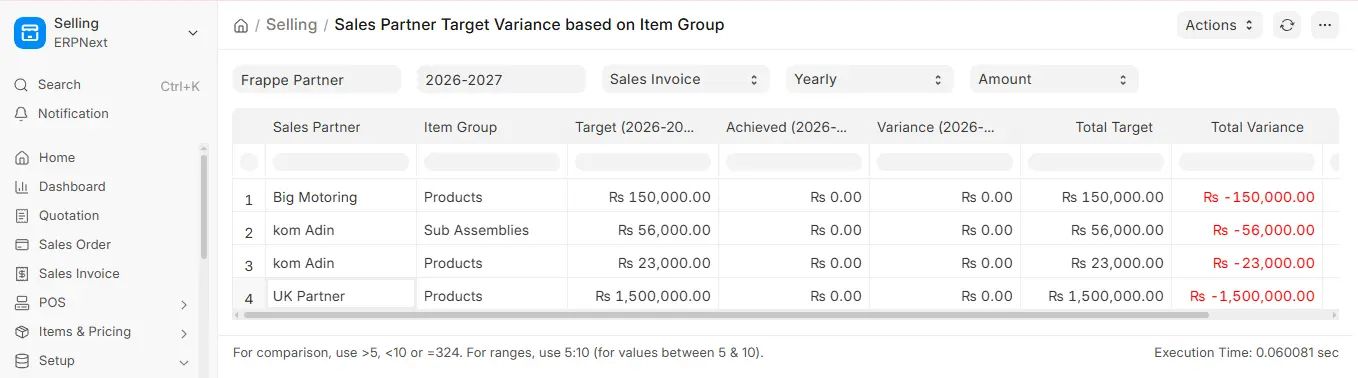
3.3 Sales Partner Target Variance
The Sales Partner Performance Report analyzes variance between target vs. actual achievements by leveraging transactional data via sales orders, sales invoices, and delivery notes. Results can be filtered for performance analysis by period (monthly, quarterly, half-yearly, or yearly).