Print Style
“Print Style” lets you make your own CSS styles that can be used with Print Formats in ERPNext. This gives you more control over how documents look when they are printed or saved as PDFs.
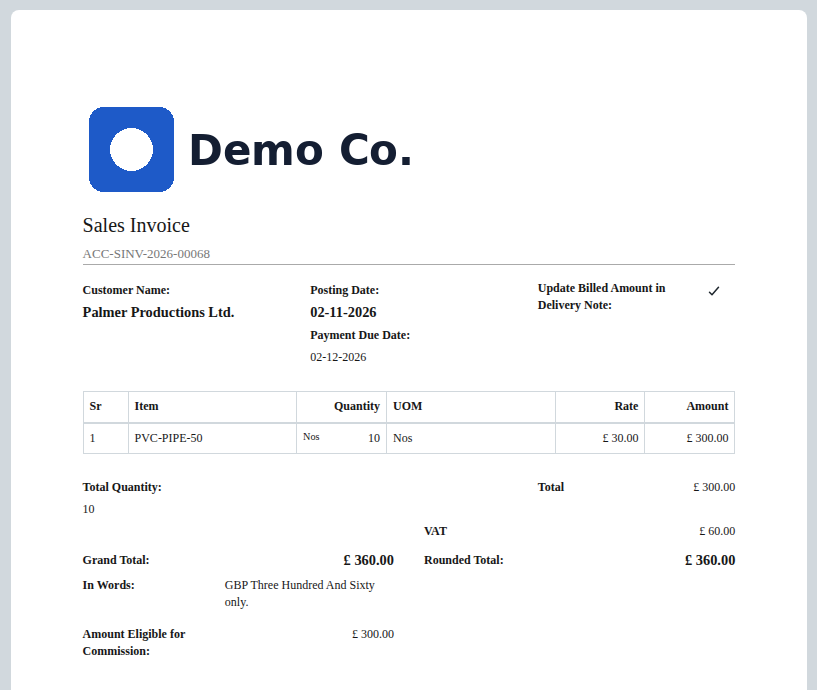
There are some preset print styles in ERPNext that decide how documents will look. These are CSS themes that come with the program and are meant to give you clean, professional layouts. Users can also create and use their own CSS-based styles to meet specific branding or formatting needs, in addition to using these.
Here are the Standard print styles that come with ERPNext:
- Monochrome: A simple black-and-white style.
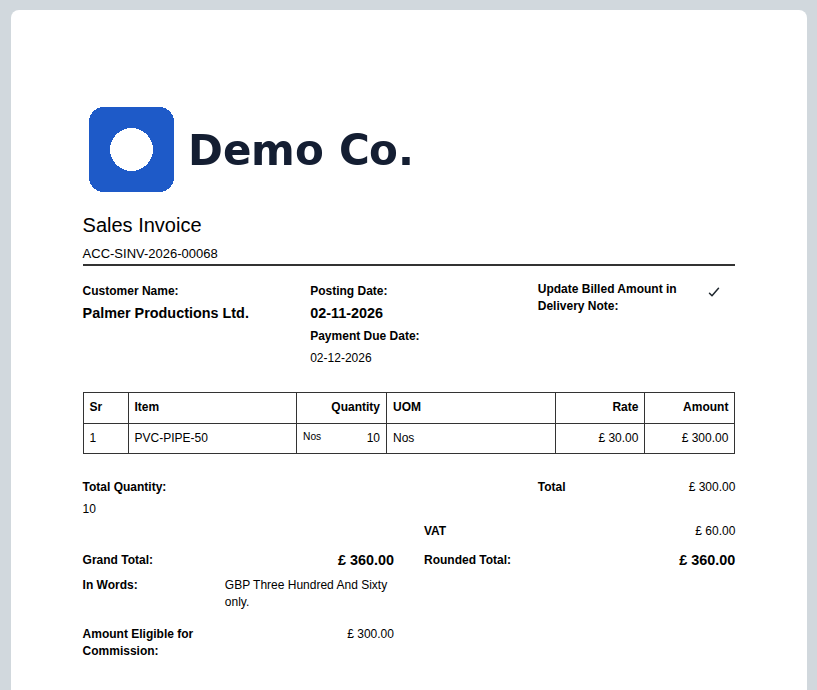
- Modern: A layout that is clean and up-to-date.
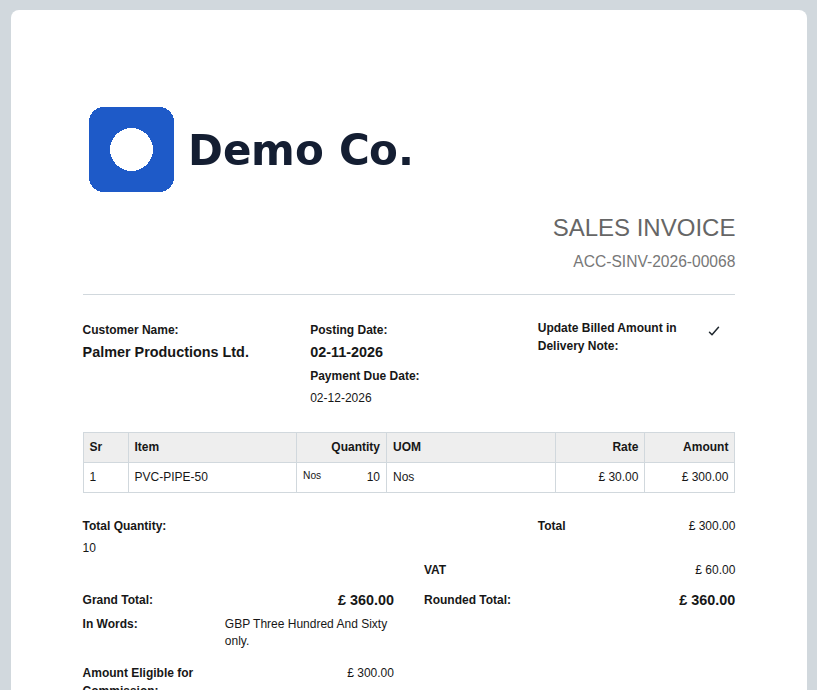
- Redesign: A format that is more polished and up to date.
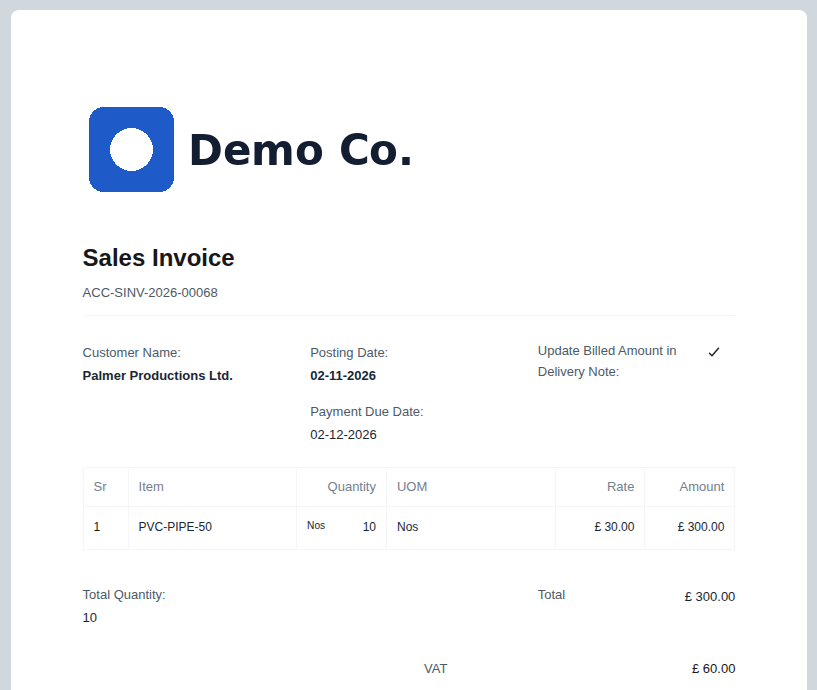
- Classic: The first traditional ERP format.
To make a new Print Style, go to:
1. How do you make a new Print Style?
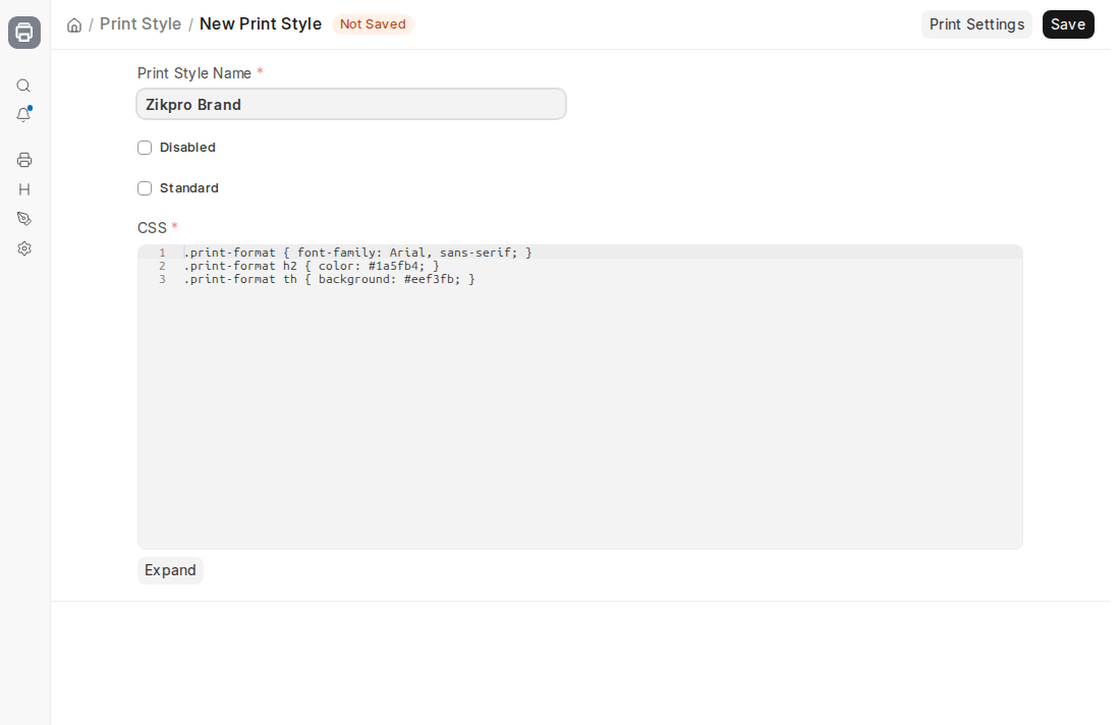
- Go to the Print Style list and click on “New.”
- Type in a name for the print style that is clear and easy to remember.
- You can either paste or type your CSS code into the box that is given. This CSS will change the way the document looks, including the fonts, spacing, colours, borders, and more.
- Click on “Save.”
If you’re not sure what CSS classes and structure are available, you can: – Make a standard format for printing, – Open it in a new tab in your browser, – After that, look at the page source to find the elements and class names you can use in your custom CSS.
From Print Settings (Desktop > Printing), you can also choose a default Print Style that all documents will use unless you change it. The Bootstrap 4 CSS framework is the basis for Print Formats in ERPNext v16. This means you can use regular Bootstrap 4 classes to format and arrange things.
If you turn on developer mode and check the “Standard” box when you save your style, ERPNext will make a JSON file for that Print Style on its own. You can use this JSON file for version control or add it to a custom app or core feature.