
Loyalty Point Entry
The Loyalty Point Entry allows businesses to manually change customer loyalty points. Points can be credited (rewarded) or debited (redeemed or expired). Points are typically managed automatically by invoices and point-of-sale (POS) systems, but errors, promotions, and adjustments are manually entered.
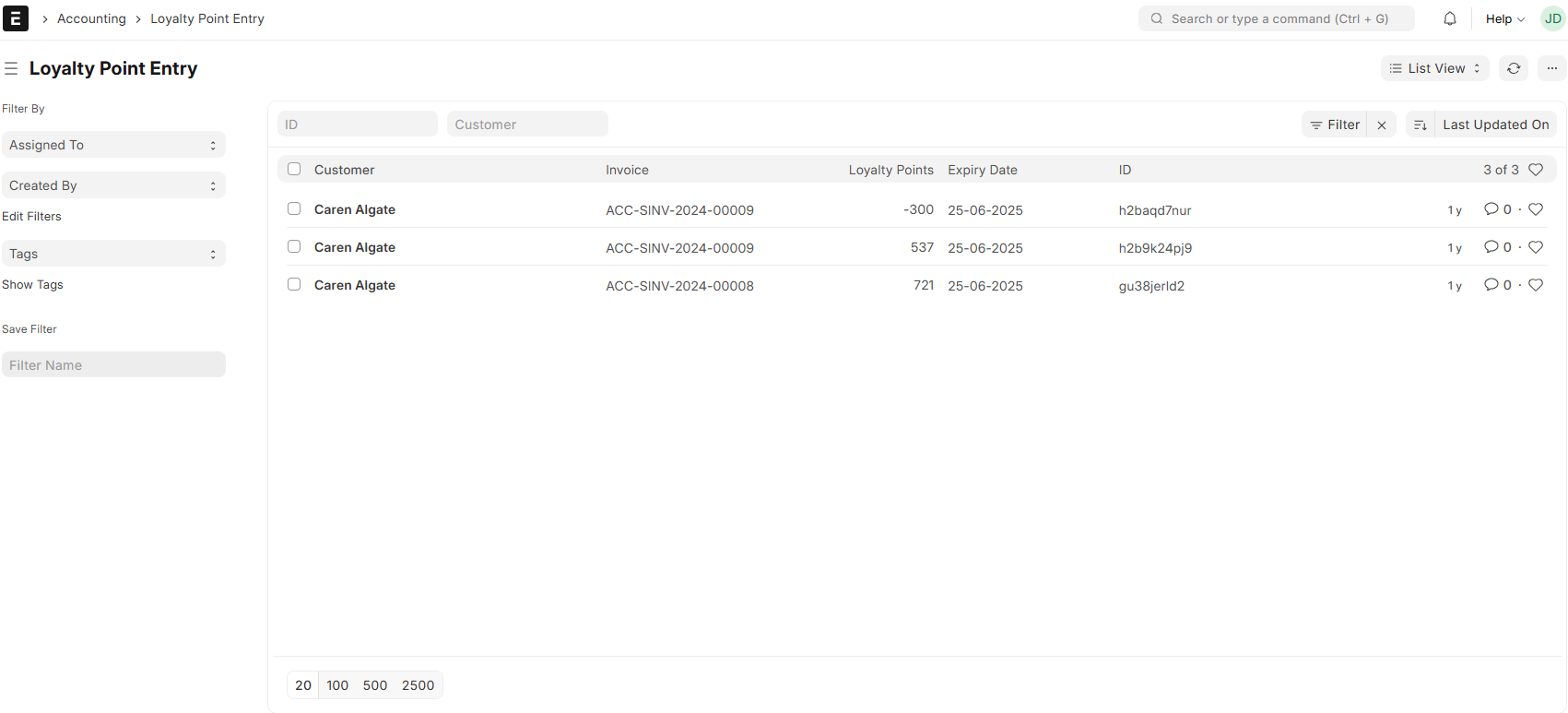
1. How to Access
Go to:
2. Loyalty Point Entry
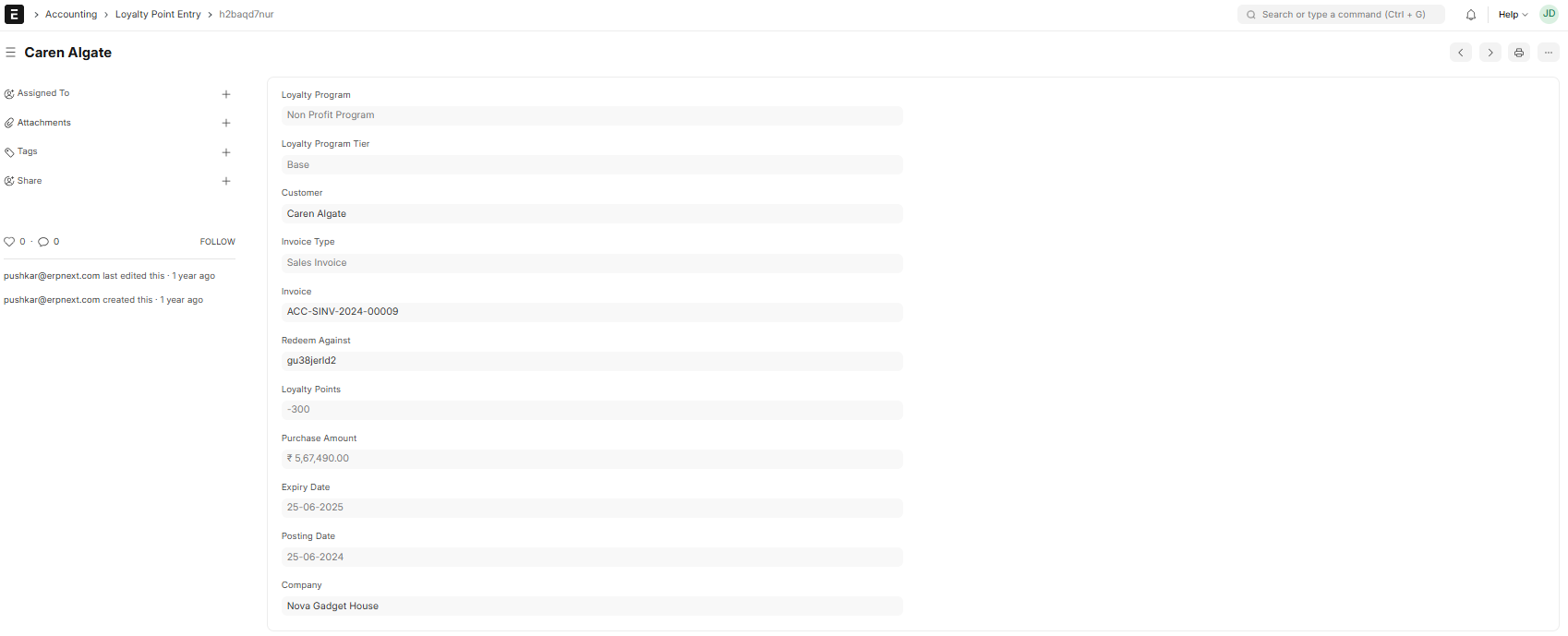
- Customer: The customer whose Points are being changed.
- Type: Debit (deducts points) or Credit (adds points).
The Loyalty Program is the set of rules governing points and redemption.
- Points: Addable or subtractable points.
The point expiration date is indicated by the optional Expiry Date.
- Remarks: The rationale behind the modification.
3. How to Create Entry Process for Loyalty Points
- Go to Loyalty Point Entry → New.
- Pick the Customer.
- Select Type (Debit/Credit).
- Click on the Loyalty Program.
- Enter the 200 Points.
- A Expiry Date is an option.
- Add a Note (e.g., “Festival Bonus”).
- Save and submit.
4. Example
The customer receives 100 points for their purchase, and the manager gives out 200 promotional points. Faithfulness Points were entered by using:
- Type of credit
- Points: 200
- Remarks: Holiday Bonus
- Points = 300
Note: Direct exchanges are simple to process at the POS billing stage, but comments must be included for appropriate auditing. The Customer Loyalty Statement report also allows you to track your customer balance and transaction history.

