
Manufacturer
In ERPNext v16, a Manufacturer is the person or business that makes or builds an Item. This is incredibly useful for things like keeping track of inventory, making purchases, and quality control when you need to know who manufactured something in order to meet the Regulations or use it as a reference.
A brand, seller, or producer is not always the same thing. Unico Plastics, for example, might create plastic brushes and name them something different, like Super Brushes. When the brand and the manufacturer are not the same, it’s easier for firms to keep track of where their items come from. They can even make their own brands and sell them.
In the Manufacturer master, you can normally find products by their Manufacturer Part Numbers (MPN). This is especially helpful when you need to communicate with suppliers, get service replacements, deal with warranties, or find out what parts a certain company makes in certain industries.
Click on to see the list of Manufacturer:
Manufacturer > Home > Stock
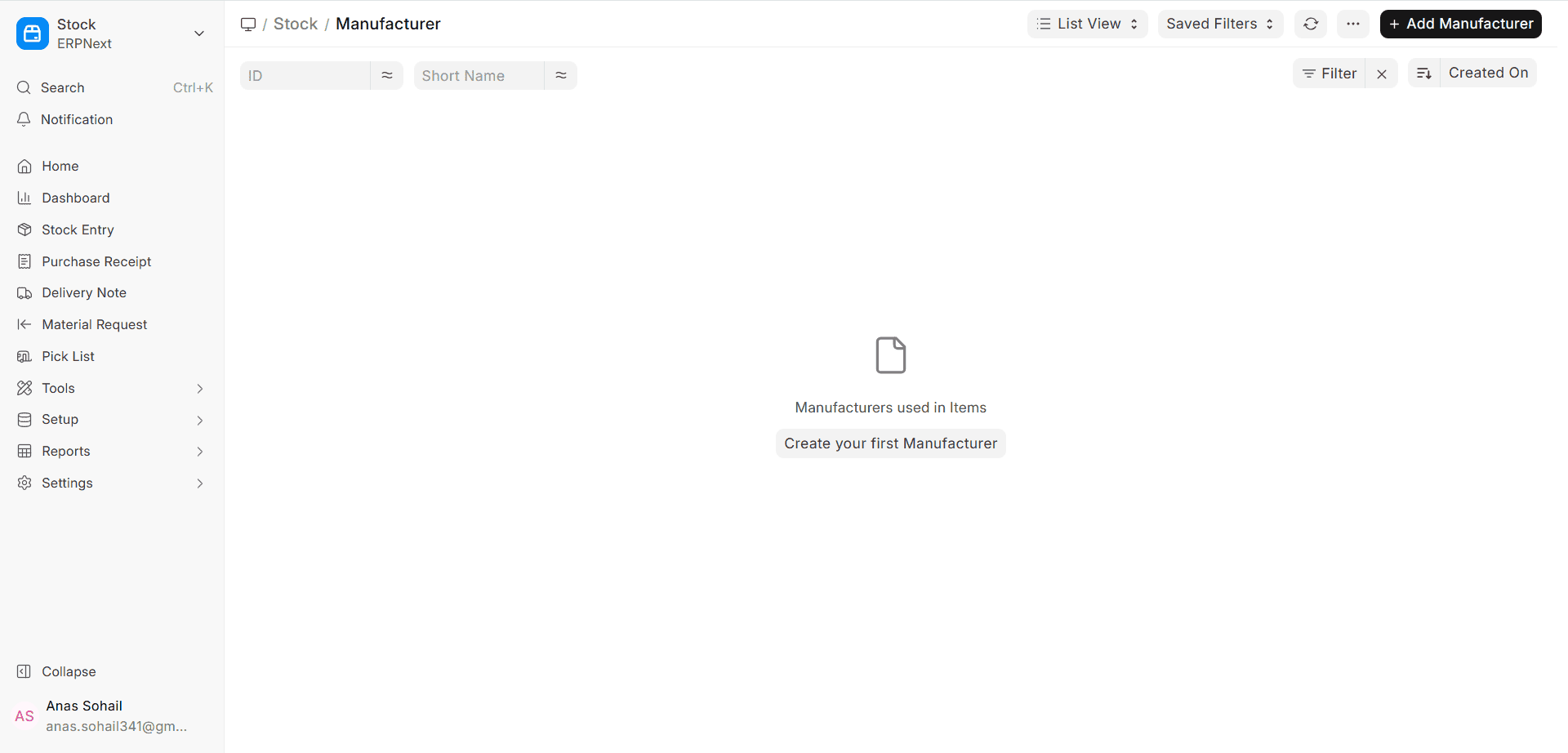
1. How to Make a Manufacturer
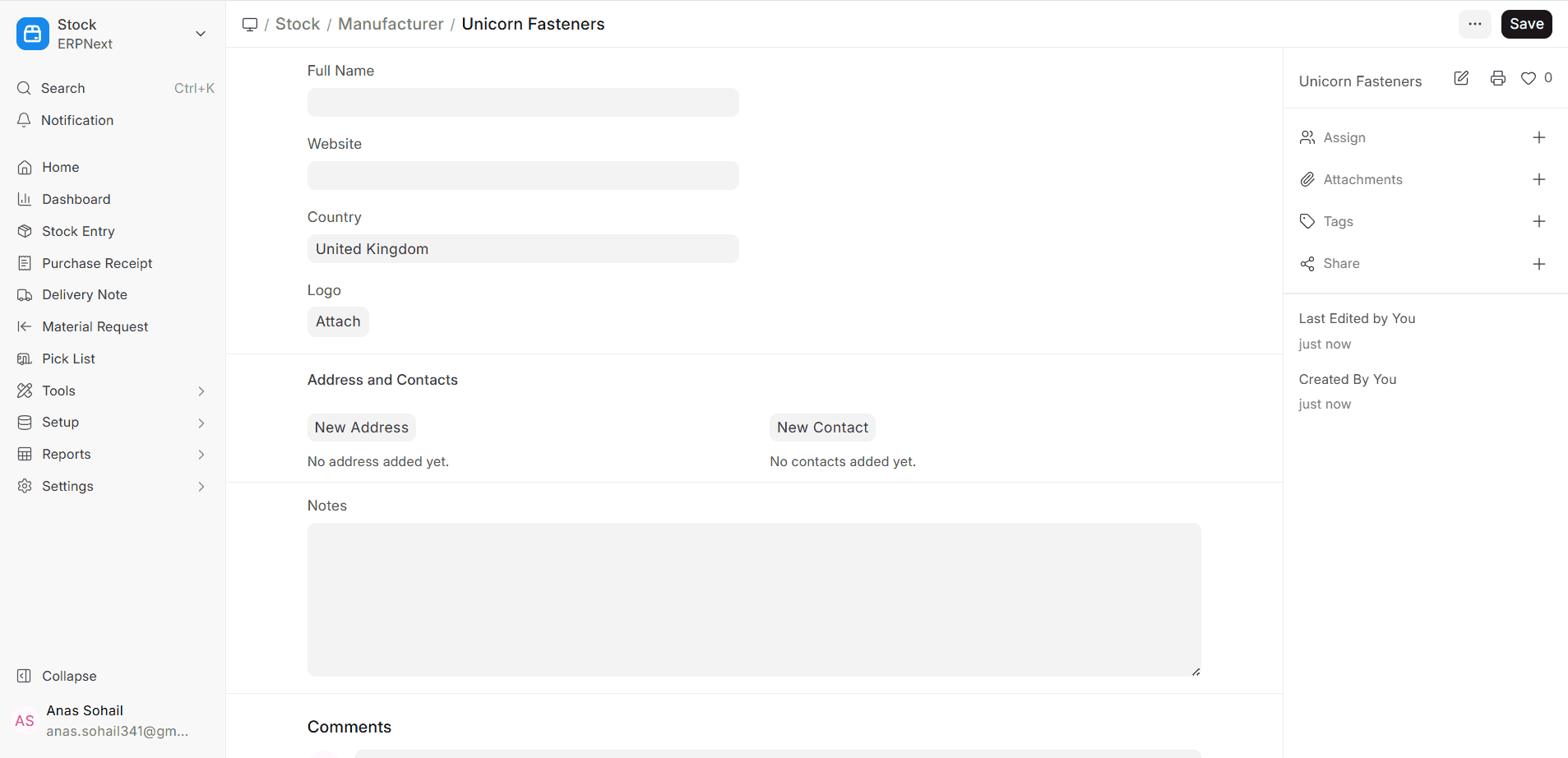
To add a new Manufacturer in ERPNext v16, click the button that says “New” in the list of Manufacturers. Write down the name of the company that makes it in a way that is easy to read and understand. This name should usually be the name of the company that creates the product or the name that most people know it by. You can also include a short description with further details, such as what kinds of products are created or any certifications that are important. Click “Save” to make the Manufacturer record after you’ve filled out all the essential fields.
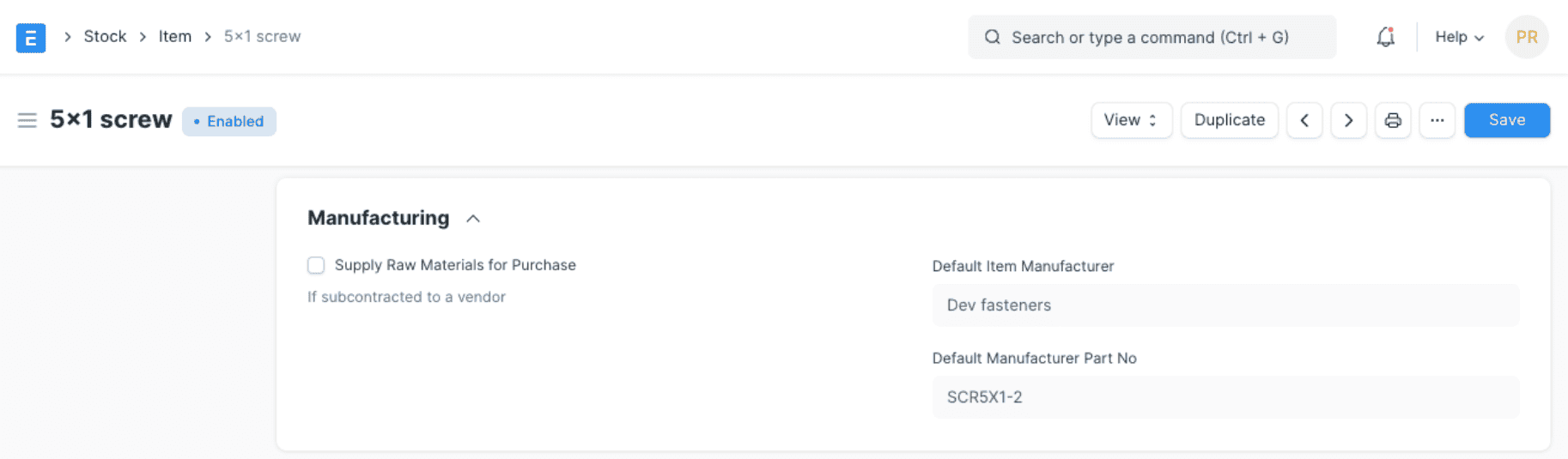
Once you’ve made an Item master, you may link a Manufacturer to it. You can also give each item a number that tells you what it is. This makes the item stand out in the manufacturer’s catalogue or other publications.
1.1 More Info
A manufacturer can keep the following extra information to make the master data better and easier to find:
- The Manufacturer’s website is their website. It’s a terrific method to rapidly find catalogues, technical papers, or help information.
- Country: The country where the Manufacturer is based or does most of its business. You can use this information to keep track of everything you buy and sell, make sure you follow the regulations, and find out where your products come from.
- Adding the maker’s logo to the system will make it easier to find and show off.
2. Address and Phone Number
You can keep track of each manufacturer’s address and phone number with ERPNext v16. This makes it easier to keep all of your contact and location information in one place. For example, you may jot down the addresses of significant persons you need to talk to, as well as the addresses of manufacturers and registered offices. These linked records are useful for coordinating, checking quality, auditing, or when the Manufacturer is also the Supplier in various business scenarios.

