
Payment Order
Bulk payments against suppliers are entered into an internal document called a Payment Order. The Purchase Manager usually decides which suppliers should receive payments in large organisations, and the Accountant (Accounts User) actually makes the payments.
These roles communicate with each other through the Payment Order, which instructs the accountant to make the payments. A Payment Order in ERPNext can gather several Payment Requests made against a supplier and process them in bulk.
1. Prerequisites
Make sure you have created one of the following before creating a payment order:
2. Creating a Payment Order
- Go to Accounting > Payments > Payment Order.
- Click on Add Payment Order.
- Select the Bank Account of the Company.
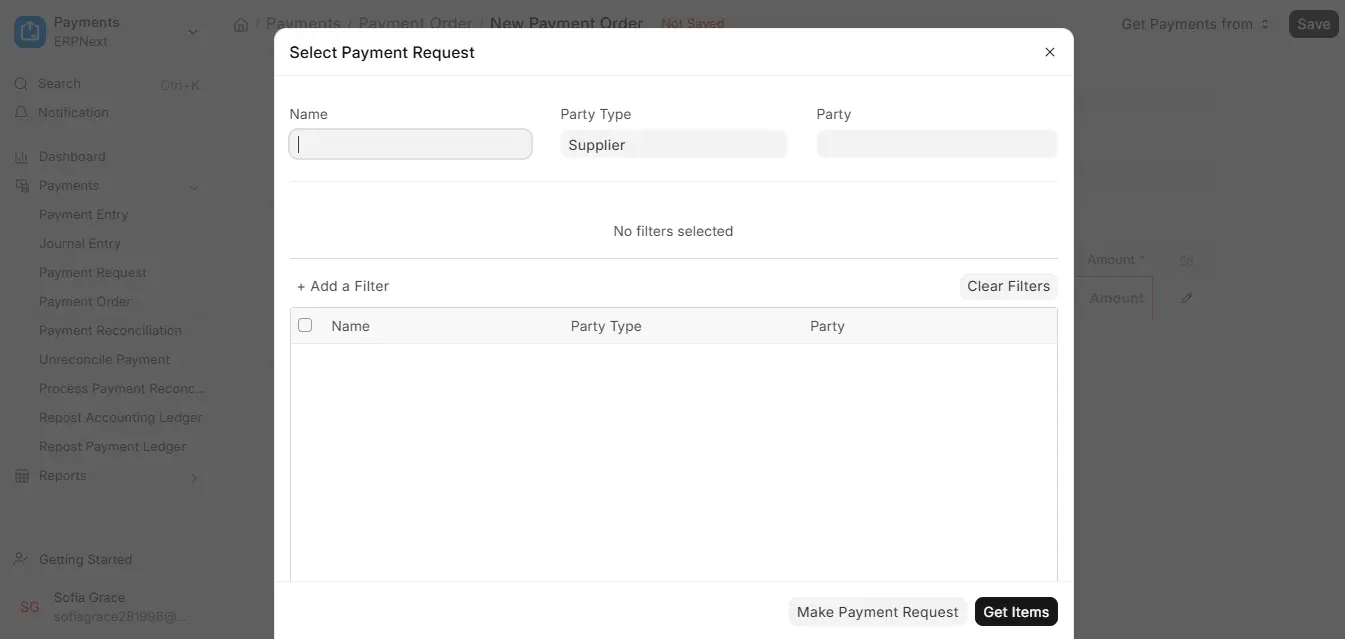
- Select Payment Request after clicking the Get Payments from button.
- If necessary, apply filters.
- Mark the Payment Requests that you want to include.
- Save and Submit the Payment Order.
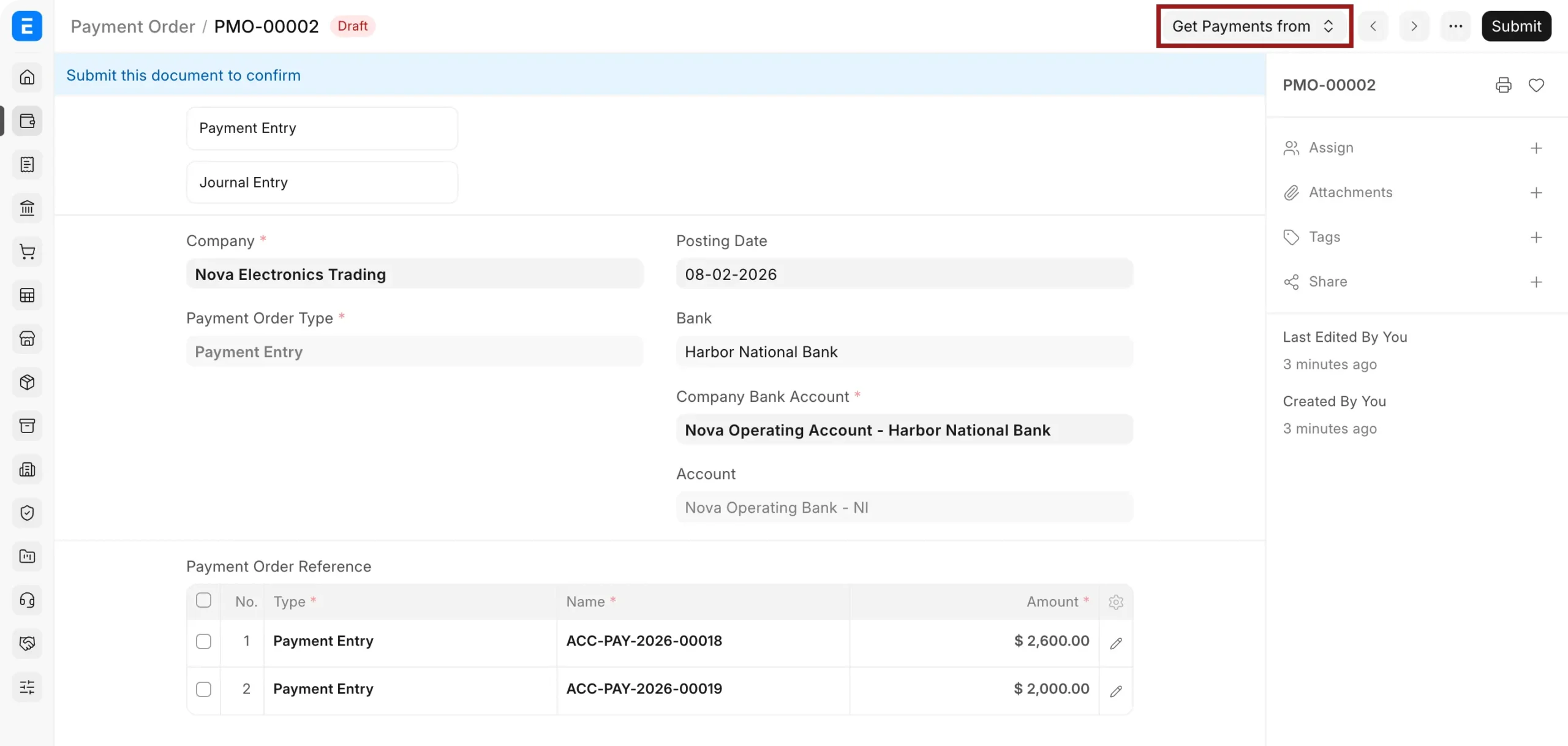
- After submission, you will see a button to create bulk Payment Entries.
3. How It Works
- Using the selected Payment Requests, the Purchase Manager generates a Payment Order.
- The accountant uses it to create Bulk payment entries after submission. Every Payment Entry is linked to the selected Payment Requests and the business’s bank account.

