Health Insurance
Employee health insurance is a benefit offered by the company in which the employer covers all or part of the premiums for the policy. Employee health insurance information can be stored and linked to the appropriate employee master using Frappe HR.
To get there, type Employee Health Insurance in the search bar.
1. How to set up health insurance for employees
Open the Employee Health Insurance list. Select New → Enter the name of your health insurance provider → Save

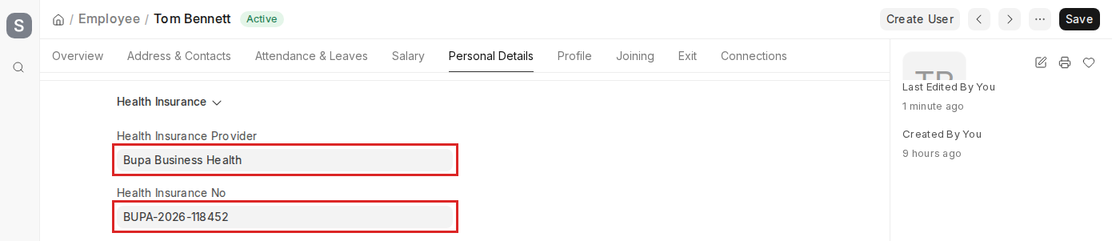
Additionally, an employee can be assigned health insurance by selecting the Health Insurance Provider and entering the Health Insurance No in the Health Insurance section of the Personal Details tab of the Employee: