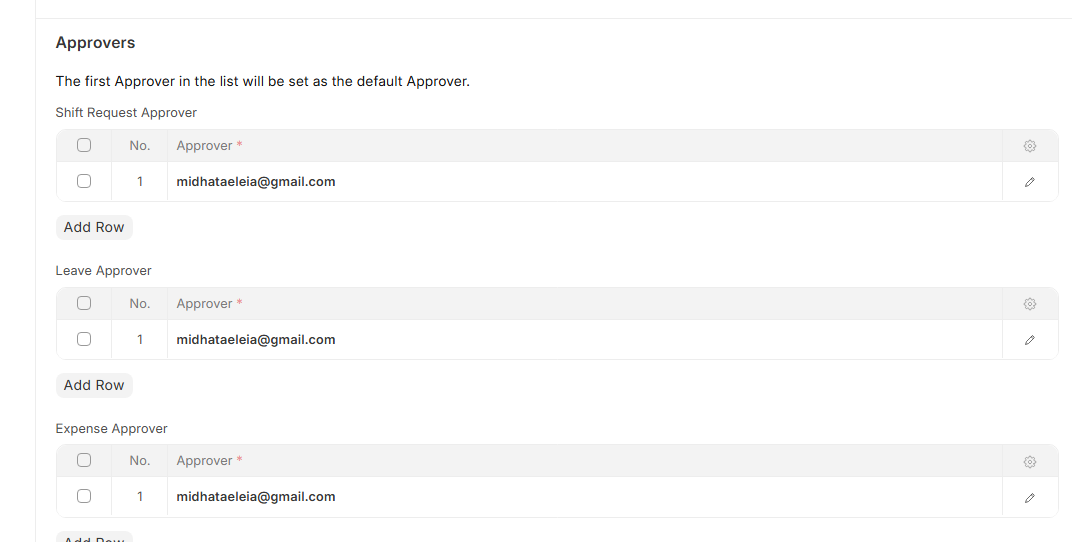
Department
Within an organisation, a department is a specialized functional area or division. Departments, Leave Block Lists, and Leave and Expense Approvers can all be configured.
To get there, go to
Home > Human Resources > Employee > Department
Since the department is a tree-structured master, parent and sub-departments can be created. If the Department is a parent, check Is Group.
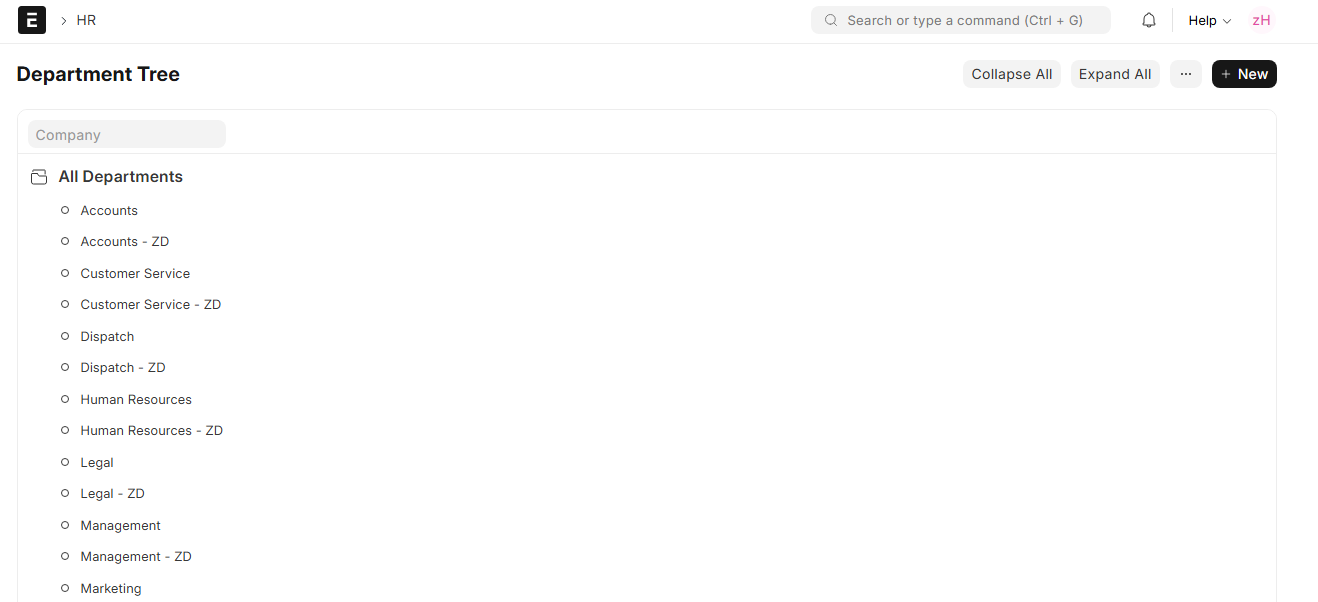
1. Prerequisites
Make sure the Company document is created before creating a department.
2. How to Establish a Department
Navigate to the Department list → Select New → Enter the name of the department → Choose a Company → Choose Leave Block List → Save if you want to
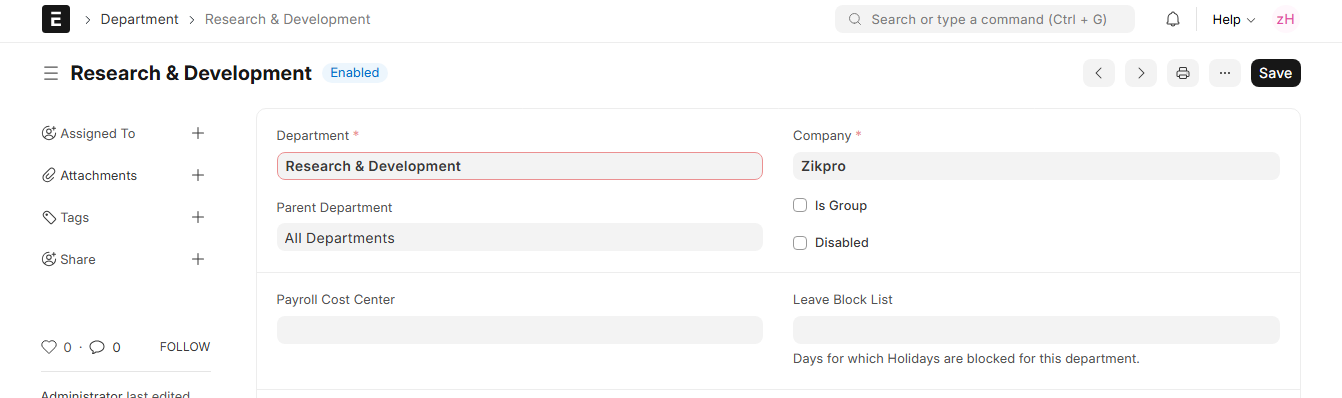
3. Characteristics
3.1 Approvers of Leave, Shift and Expense
Put the department’s Shift leave and expense approvers in the appropriate tables. It is possible to designate more than one approver, with the first on the list serving as the default.