
Cost Center
A Cost Centre in ERPNext is a part of a business where costs or income can be tracked. Using ERPNext cost centers, businesses can monitor how different departments, projects, sales channels, or locations are performing financially.
A ERPNext cost center can also act as a ERPNext profit centers, which lets you see which parts of your Business are making money and which are losing money.
1. Why do you need cost centres?
The ERPNext cost center purpose of your Chart of Accounts is to report to the government (like the IRS), but it may not give you a lot of information about how your business works.
Most companies sell more than one type of product, work in more than one area, or offer more than one service. Cost Centers allow you to track income and expenses separately for each activity. This helps you figure out which parts are doing well and where you need to cut costs.
For example: You could set up separate ERPNext cost centers for Walk-in Sales and Online Sales to see how much money each channel makes. Online sales might have to pay for delivery, while walk-in sales might have to pay for rent.
2. Where can you use cost centres?
You can assign ERPNext cost centers at different levels:
- Business
- Item
- Order or Invoice for Sale or Purchase
You can also tag them in a lot of transactions, like:
ERPNext cost center master is used in budgeting and financial reporting.
3. The Cost Centre Tree (Chart of Cost Centres)
You can create a ERPNext cost center tree structure to represent your business better. Each Income / Expense entry is also tagged against a Cost Center. In v16 there is no separate setting for Balance Sheet accounts: a user can also tag entries in Balance Sheet Accounts against a Cost Center.
For example, if you have two types of sales:
- Walk-in Sales
- Online Sales
You may not have shipping expenses for your walk-in customers, and no shop- rent for your online customers. If you want to get the profitability of each of these separately, you should create the two as Cost Centers and mark all sales with either “Walk-in” or “Online” Cost Center. Mark all your purchases in the same way.
Thus when you do your analysis you get a better understanding as to which side of your business is doing better. Since ERPNext has an option to add multiple Companies, you can create Cost Centers for each Company and manage them separately.
You can set up Cost Centres in a tree structure that shows how your business is set up.
To access it, go to:
There can be child nodes for each cost centre. For instance, Every income or expense entry is linked to the right Cost Centre. You can even tag Balance Sheet entries (like assets or liabilities) to Cost Centres; no extra setting is needed in v16.
4. How to Make the Cost Centre (Cost Center Master)

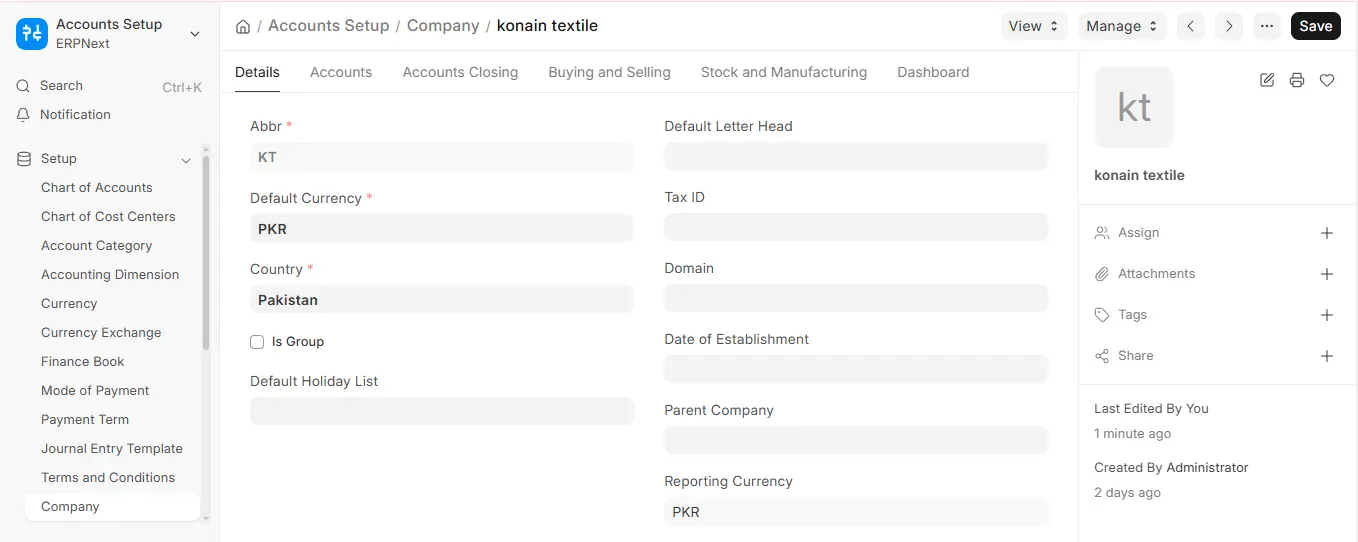
To create and manage ERPNext cost center master:
- Go to Chart of Cost Centres
- Add new nodes based on structure (region, department, activity)
- Create parent and child nodes
This builds a proper ERPNext cost centers hierarchical structure for better reporting.
5.Key Features of ERPNext Cost Centers
- Track income and expenses separately
- Create ERPNext cost center tree structure
- Support ERPNext profit centers analysis
- Enable detailed budgeting and reporting
- Manage multiple companies with separate structures
6.Conclusion
In conclusion, ERPNext cost centers are essential for tracking and analyzing business performance across different departments and activities. With a well-defined ERPNext cost center tree structure and hierarchical structure, businesses can gain deeper financial insights and make informed decisions.
By using cost center ERPNext, companies can effectively manage costs, evaluate profitability through ERPNext profit centers, and improve overall financial transparency. The flexibility of the ERPNext cost center master and structured reporting makes it a powerful tool for modern business management.

